10 Home Office Ideas to Maximize Productivity and Style
You work better in a place that fits how you live and what you do. This article helps you shape a home office that boosts focus, comfort, and everyday use so you can work smarter at home.
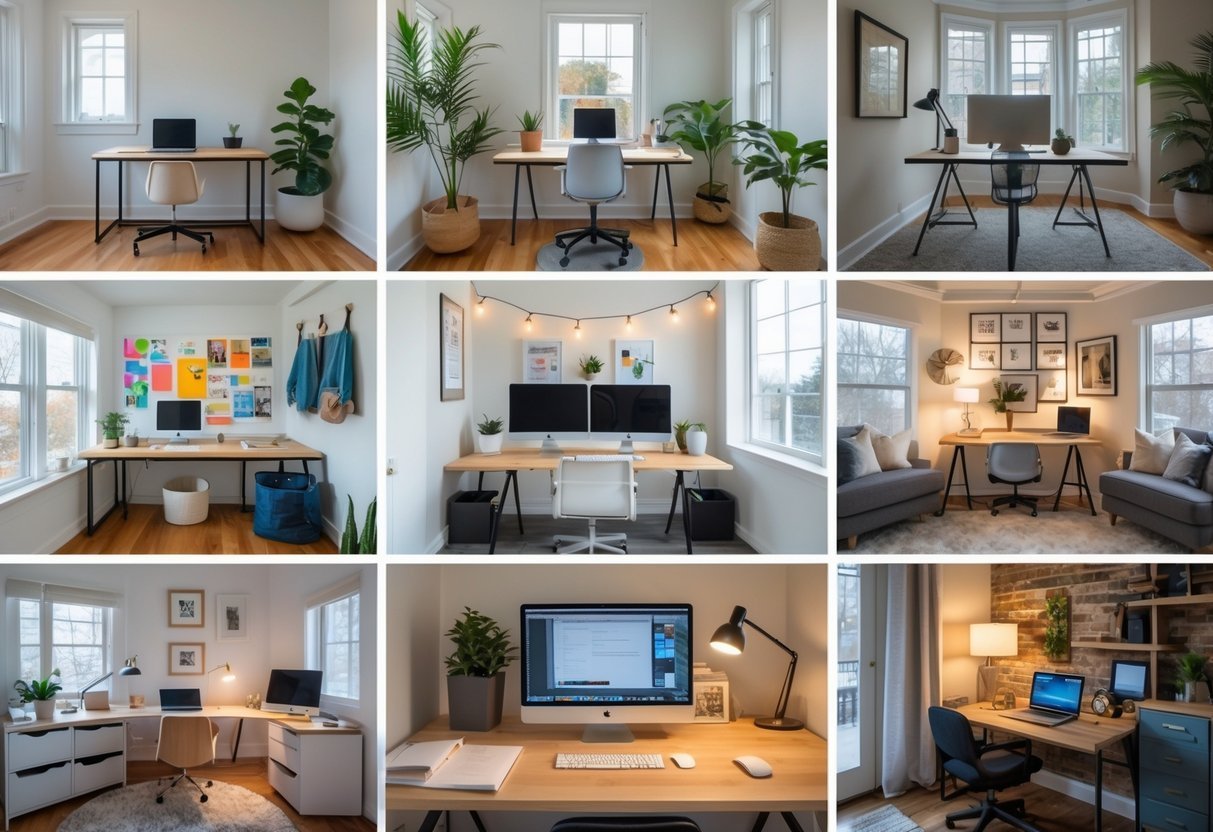
You’ll find practical ideas for lighting, storage, seating, tech, and small-space layouts that make your setup feel intentional and easy to use. Flip through the options and pick the tweaks that match your space, budget, and habits.
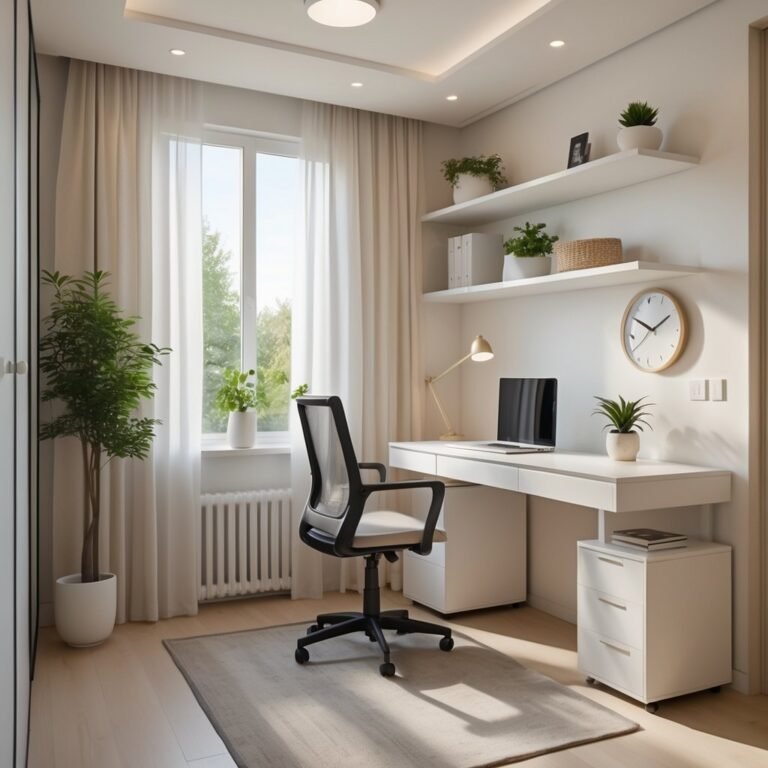
1) Maximize natural light with a south-facing desk setup
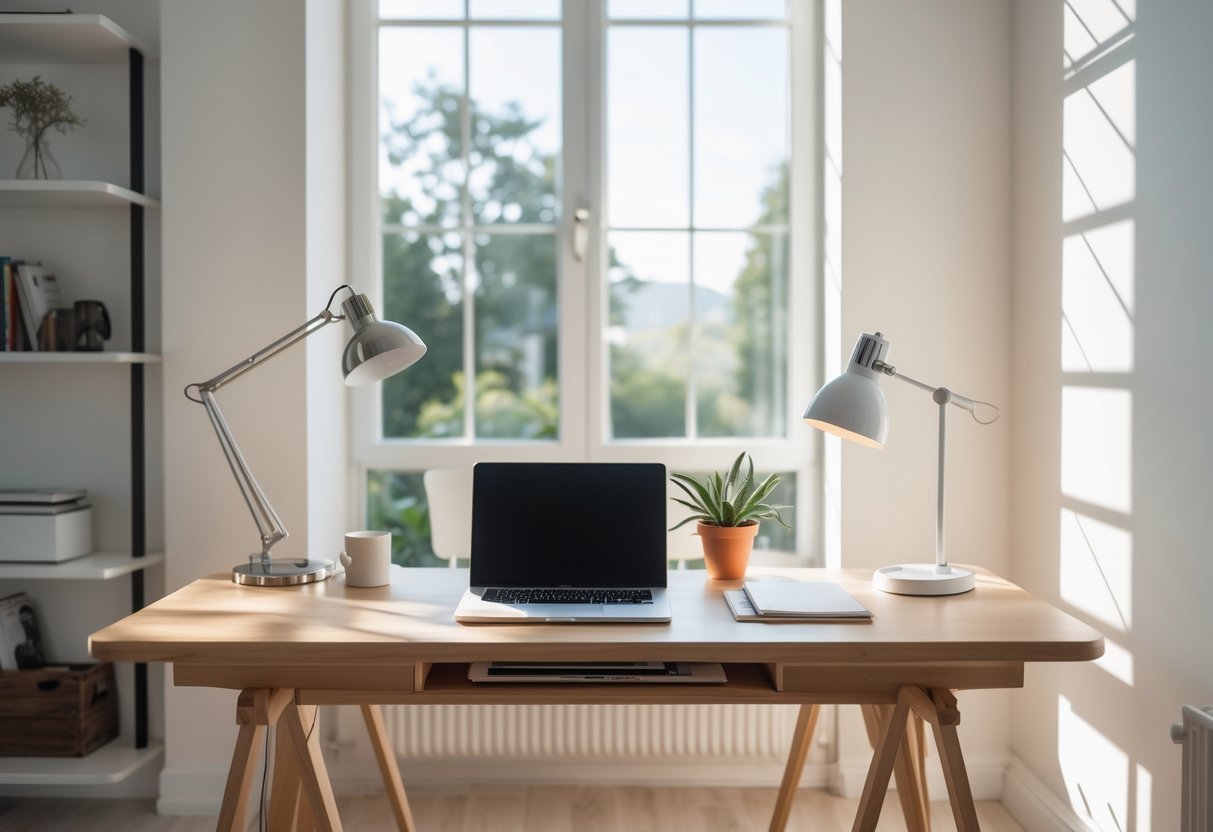
Place your desk near a south-facing window to get steady daylight through most of the day. This reduces the need for strong artificial lights and helps you see screens and papers more clearly.
Use sheer curtains or light-filtering blinds to cut glare without blocking light. Add plants or light-colored surfaces to reflect sunlight and keep the space bright and calm.
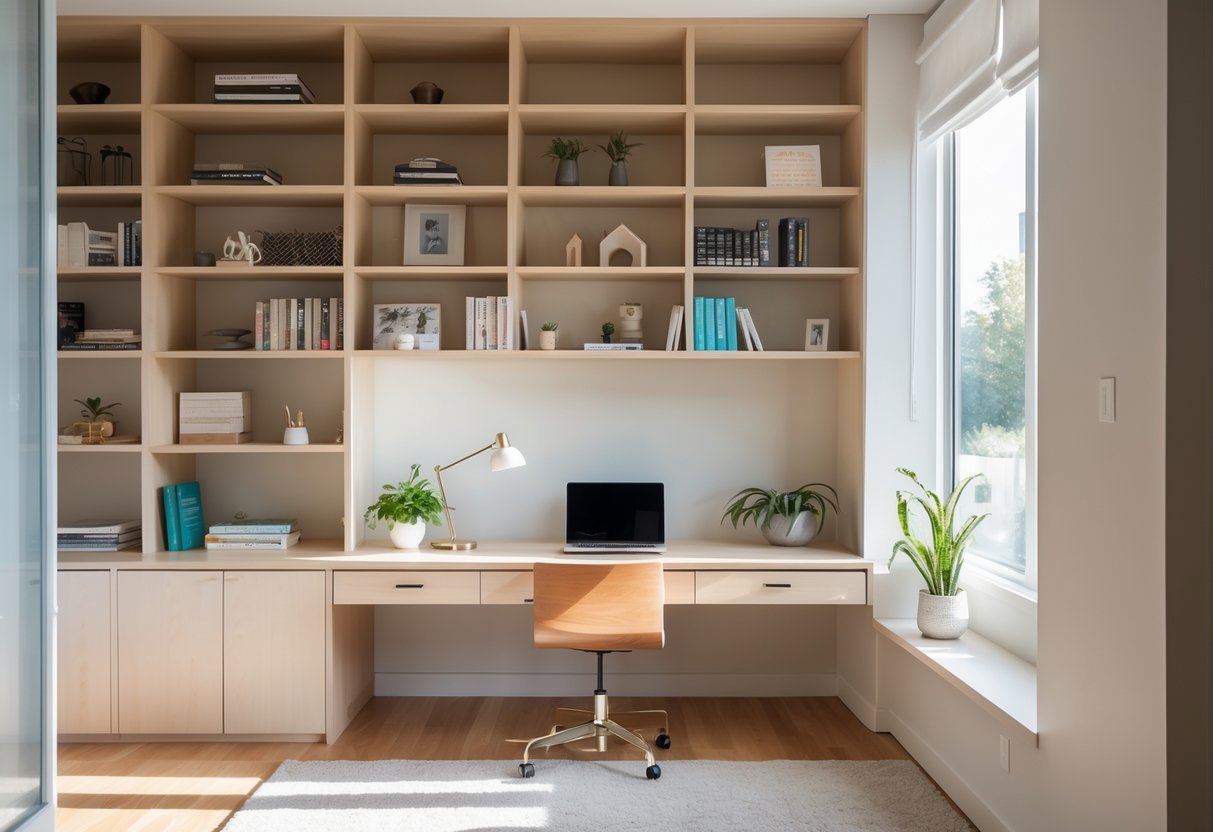
2) Incorporate built-in shelving to optimize vertical storage
Built-in shelving uses wall height so you store more without adding furniture. You can fit books, files, and supplies within arm’s reach.
Choose adjustable shelves to change spacing as needs shift. Add cabinets or drawers at the bottom for hidden storage and a cleaner look.
Use open shelves for items you access often and closed units for clutter. Good lighting and tidy arrangements keep the space functional and easy to use.
3) Choose ergonomic chairs like the Herman Miller Aeron
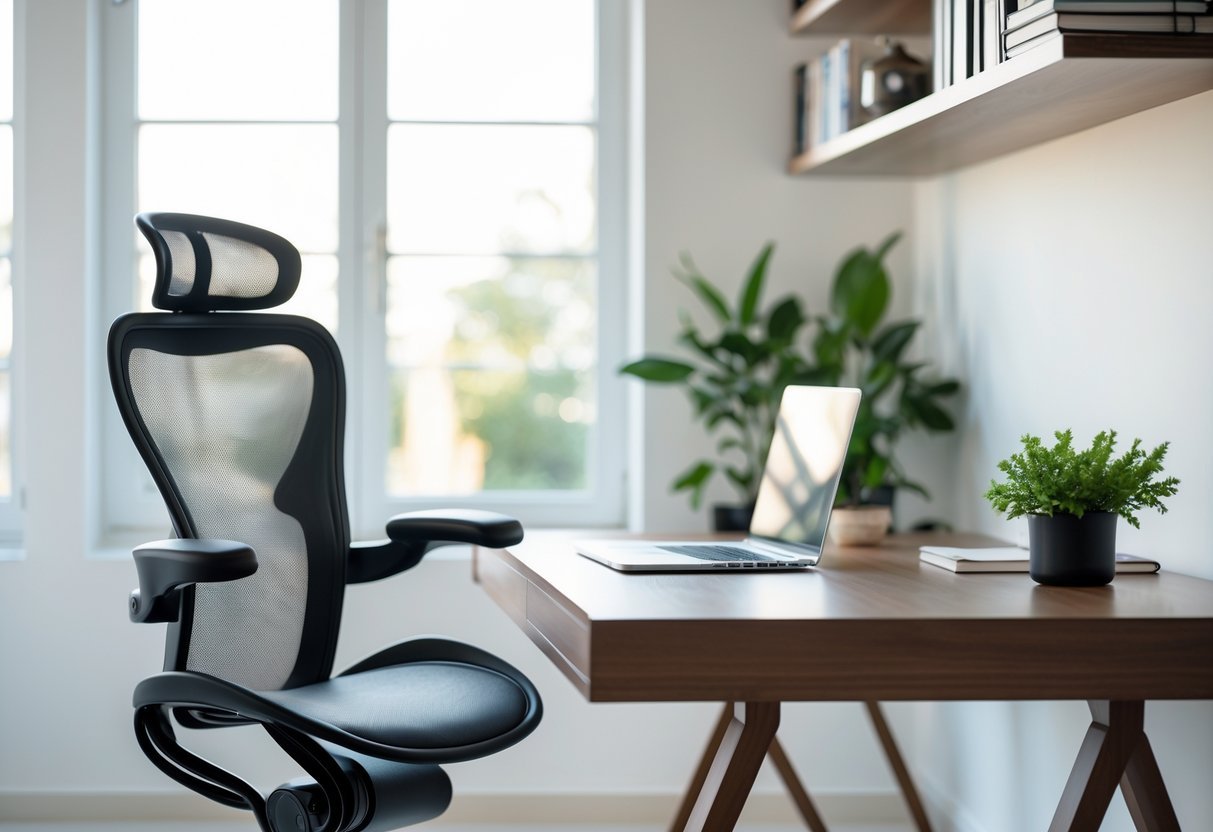
Pick a chair that supports your spine and encourages good posture. You will sit more comfortably for long tasks and reduce strain.
Look for adjustable height, lumbar support, and breathable mesh. The Aeron is a well-known example, but other chairs can offer similar features at different prices.
Try a chair before you buy when possible. Small adjustments can make a big difference in comfort and focus.
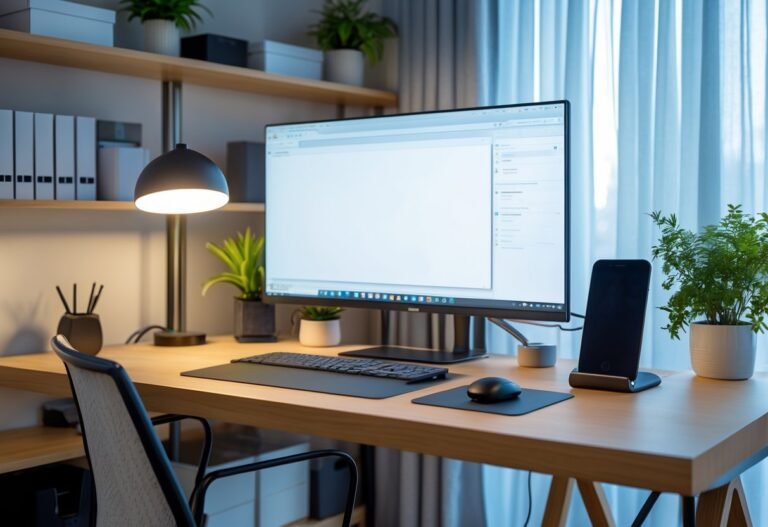
4) Use dual monitors to boost productivity and reduce eye strain
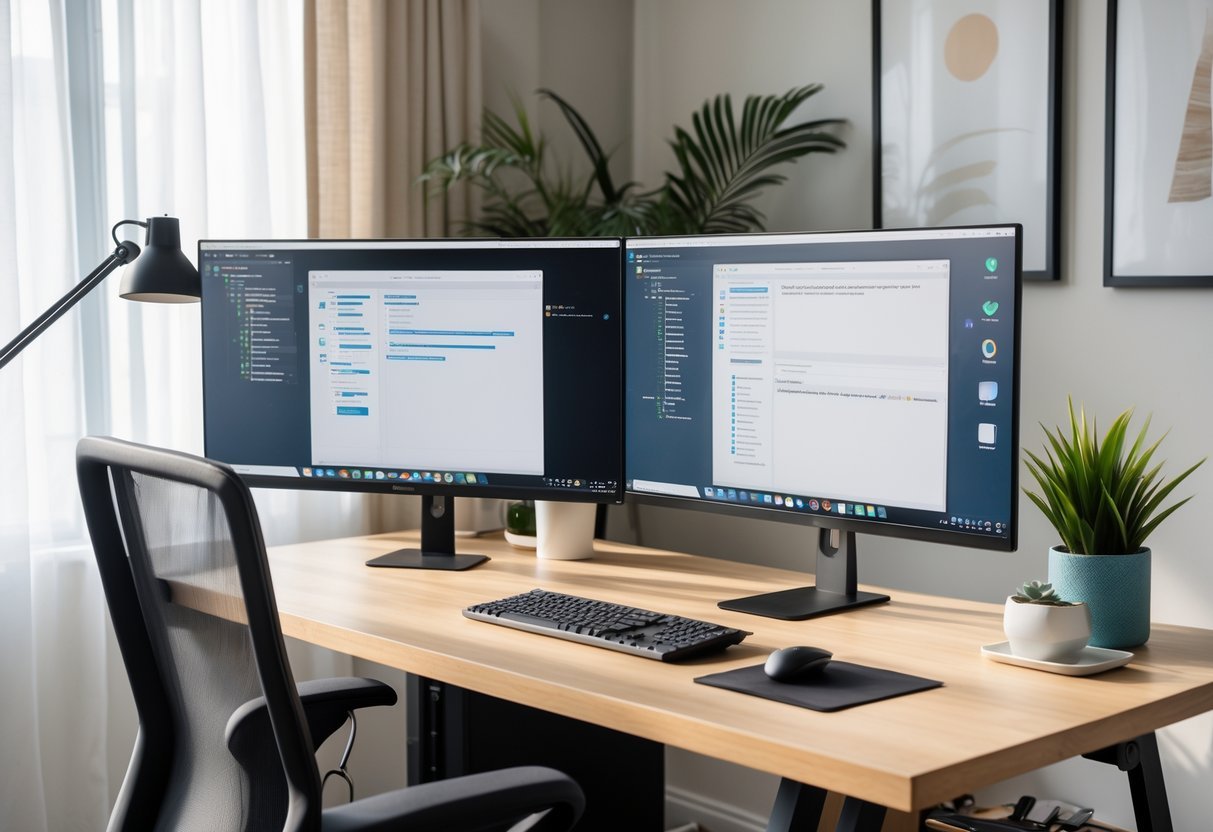
Place both screens at eye level and about an arm’s length away to cut neck strain and reduce squinting.
Keep your main work on one screen and reference material on the other to avoid constant window switching.
Match brightness and color temperature between monitors to lower eye fatigue.
Use a single keyboard and mouse with a clear cursor path so your hands move naturally between tasks.
5) Add indoor plants for improved air quality and mood
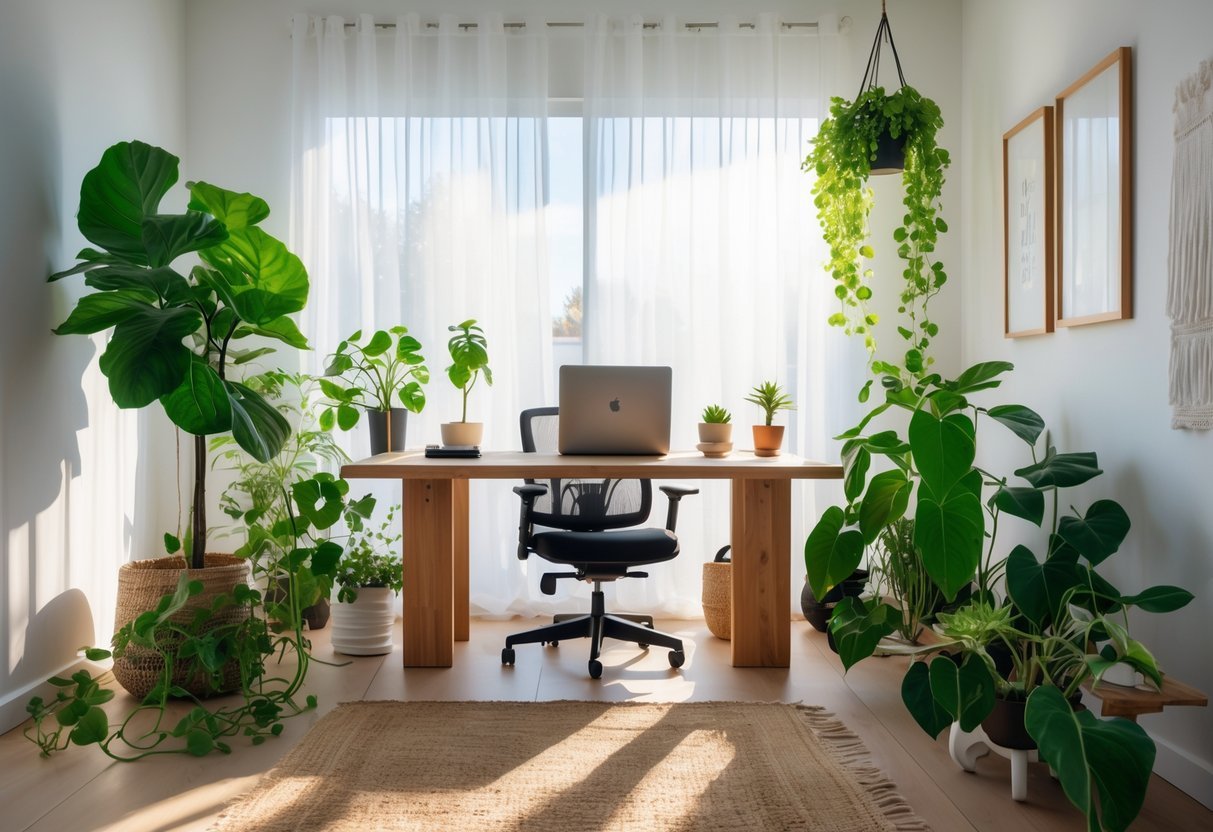
Place a few easy-care plants near your desk to help freshen the air and reduce stress. Plants like snake plants, pothos, and spider plants need little light and care.
Keep pots small to fit your workspace and water on a simple schedule. A few plants can lift your mood and make the room feel calmer without extra effort.
6) Create a dedicated charging station for devices
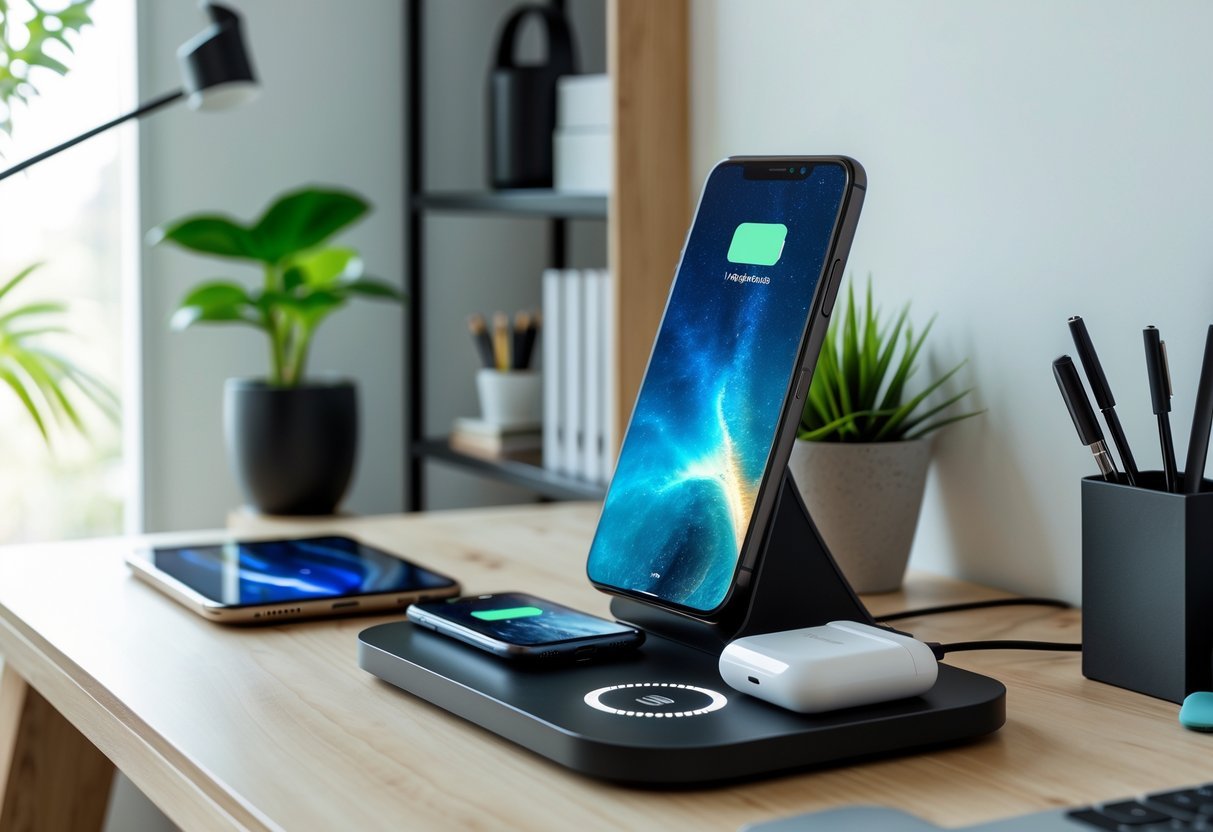
Designate one spot in your office for charging phones, tablets, and headphones. Use a multi-port charger or a small dock to cut cord clutter and keep things tidy.
Place the station near an outlet and away from work surfaces to reduce distractions. Label slots or use small trays so each device has its own place.
Empty the station weekly and remove unused cables. This keeps batteries healthy and your desk organized.
7) Install adjustable LED task lighting for focused work
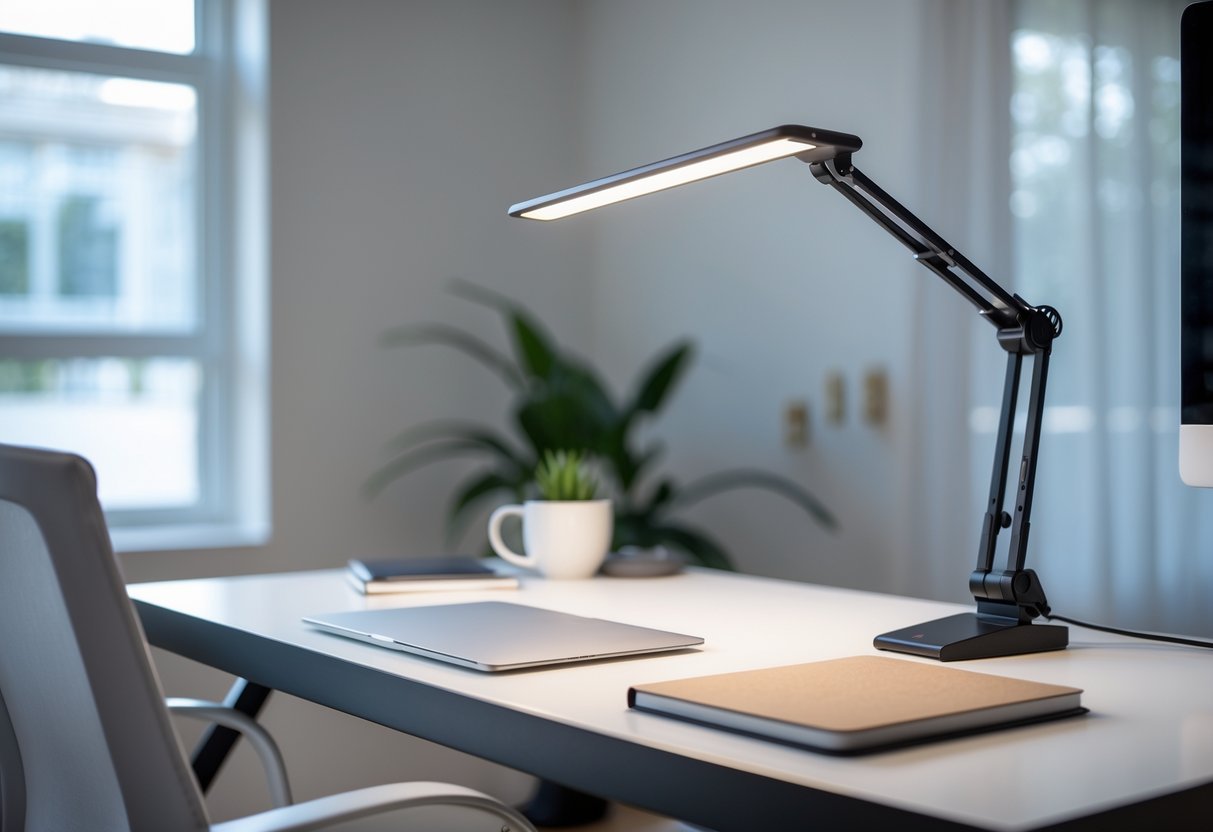
Choose an adjustable LED desk lamp you can move and aim where you need light most. LEDs run cool, use less energy, and last longer than old bulbs.
Pick a lamp with dimming and color-temp settings so you control brightness and reduce eye strain. Position the light to avoid glare on screens and to cut shadows on your work surface.
8) Utilize a fold-down desk for small space efficiency
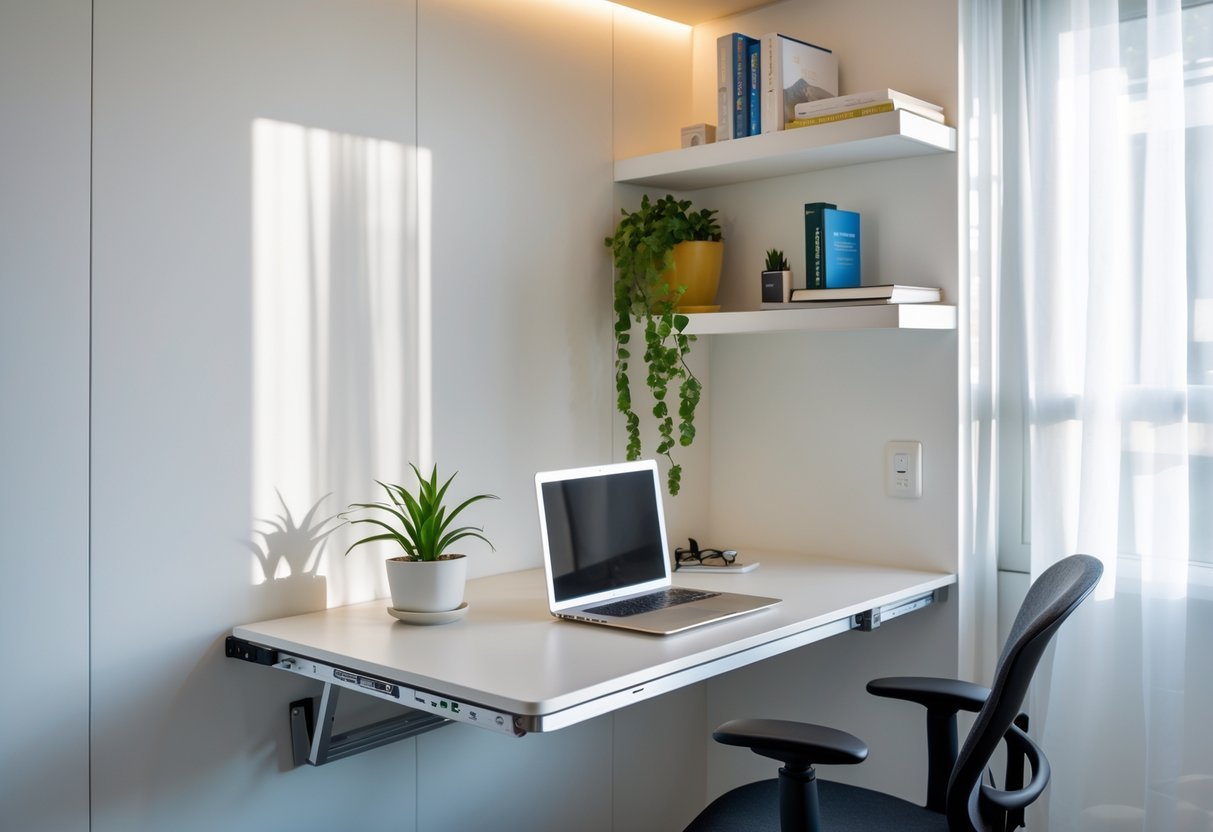
A fold-down desk lets you create a full workspace that disappears when you need room. You save floor space and keep the area tidy without a lot of effort.
Mount the desk at a comfortable height and add a slim shelf above for supplies. When closed, it looks like a cabinet or panel and fits into living areas, hallways, or bedrooms.
9) Incorporate cable management solutions to reduce clutter
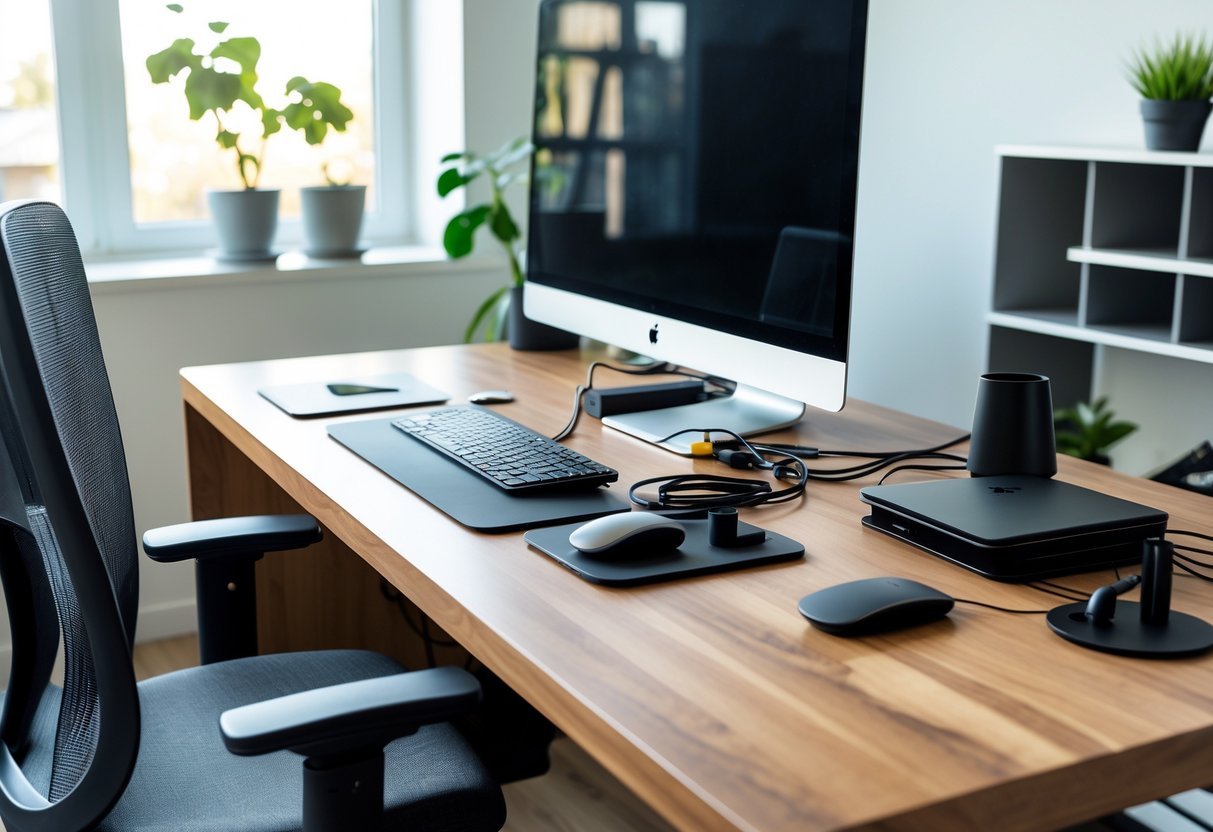
Tidy cables make your desk look cleaner and protect your devices. Use clips, sleeves, or a cable tray to keep cords off the floor and out of sight.
Label power and data cables so you can unplug the right one quickly. Shorten excess cable length with ties or a retractable organizer to avoid tangles.
Design Principles for Effective Home Offices
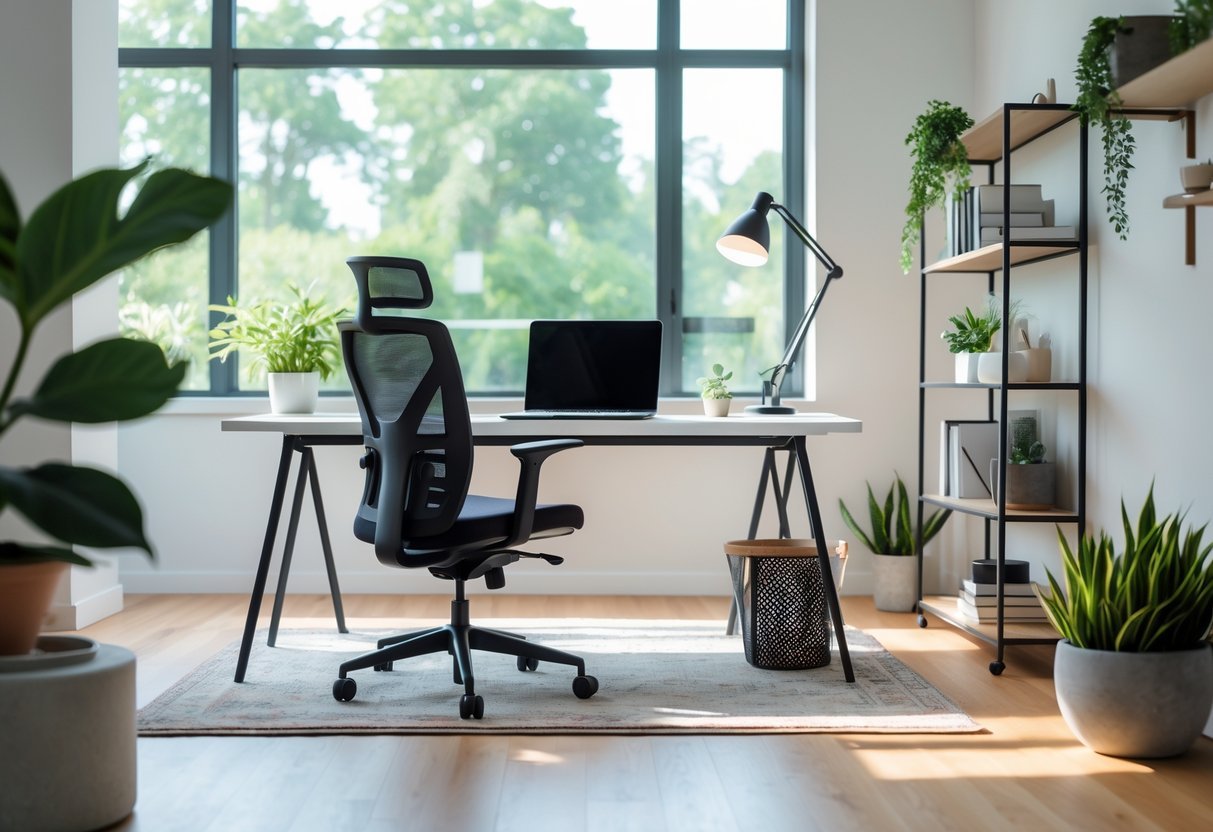
Prioritize comfort, bright task lighting, and smart storage. Pick a chair that supports your back, position lighting to avoid screen glare, and use vertical storage to free floor space.
Importance of Ergonomics
Your chair, desk height, and monitor position shape how you feel each day. Choose a chair with lumbar support and adjustable height. Your feet should rest flat on the floor or a footrest, and your knees should be roughly level with your hips.
Set your desk so your elbows form a 90°–100° angle when typing. Place the top third of the monitor at eye level and about an arm’s length away to reduce neck and eye strain. Use an external keyboard and mouse if you work on a laptop to keep your wrists straight.
Add small ergonomic tools: a wrist rest, a monitor riser, and an adjustable laptop stand. Take short movement breaks every 30–60 minutes to stretch your neck, shoulders, and back.
Lighting Considerations
Good lighting reduces eye strain and keeps you alert. Position your desk near a window for natural light, but place the monitor at a right angle to the window to avoid glare and reflections.
Use layered lighting: a bright overhead light for general room brightness and a focused task lamp for your work surface. Pick a task lamp with adjustable color temperature; 4000K (neutral white) works well for detail work and long hours.
Control glare with blinds or curtains and use an anti-glare screen if necessary. Keep contrast balanced—avoid working in a dark room with a bright monitor. Replace bulbs that flicker or change color over time.
Maximizing Limited Space
Measure your available area and choose furniture to scale. A compact desk with built-in drawers or a wall-mounted fold-down desk saves square footage and keeps essentials within reach.
Go vertical for storage: floating shelves, pegboards, and tall bookcases keep supplies off the desk. Use labeled bins or baskets to hide clutter and make cleanup quick. Consider a slim file cabinet on casters that can slide under the desk.
Define your workspace visually with a rug or a different wall color to separate it from living areas. If you share the room, use a screen or curtain to block distractions. Prioritize items you use daily; store rarely used gear elsewhere.
Personalizing Your Workspace
Make choices that reflect how you work and what motivates you. Focus on items that boost comfort, reduce clutter, and make the space feel like yours.
Incorporating Personal Style
Use a small number of visible items to express your taste without cluttering the desk. Choose one or two art prints or framed photos and hang them at eye level. Swap frames or prints seasonally to refresh the room without extra shopping.
Pick a consistent color accent—like a teal lamp, brass desk organizer, or a patterned rug—to tie the room together. Match smaller accessories (mouse pad, pen cup, file folders) to that accent so the space looks planned, not busy.
Add one living element such as a low-light plant (pothos, snake plant) or a small succulent. Plants improve mood and don’t need daily care. Use simple storage boxes or trays to keep personal items contained and off your work surface.
Balancing Comfort and Productivity
Start with ergonomics: set your monitor at eye level, keep feet flat on the floor, and use a chair that supports your lower back. If you sit long hours, add a footrest and a lumbar pillow to reduce strain.
Control lighting to cut eye fatigue. Combine a bright overhead light with a warm desk lamp and position the lamp to avoid screen glare. Consider a dimmer or adjustable color-temperature bulb for late work sessions.
Limit distractions by zoning your space: keep work-only surfaces clear of non-work items and store reference books or hobby materials in labeled bins. Use cable clips and a small charging tray to reduce visual clutter and make your workflow smoother.
Frequently Asked Questions
These answers focus on practical steps you can use right away: layout tips, storage ideas, product suggestions, current design trends, and ways to make the room feel modern and personal.
How can I maximize space in a small home office layout?
Place your desk facing south or near a south-facing window to get more natural light and reduce the need for extra lamps.
Install built-in shelving up to the ceiling to use vertical space for books, boxes, and decor.
Use a wall-mounted or fold-down desk to free floor space when you’re not working.
Pick a slim chair or an ergonomic model with a small footprint, like a compact mesh chair, so you keep comfort without crowding the room.
What are some minimalist design strategies for home offices?
Limit surfaces to one main desk and one open shelf to reduce clutter spots.
Stick to a neutral color palette—white, gray, and light wood—to keep the room visually calm.
Hide cables with a cable tray under the desk and use wireless peripherals.
Choose multiuse furniture, for example a filing cabinet that doubles as a printer stand.
Which IKEA products are best for organizing a home office?
IKEA’s wall-mounted shelving (like the LACK or IVAR systems) works well for vertical storage and keeps the floor clear.
Use the ALEX drawer units under or beside your desk for sorted stationery and files.
Pick the SKÅDIS pegboard for small tools and daily-use items; it keeps them visible but off surfaces.
Add cable clips and box organizers from IKEA’s small-organization range to reduce desk clutter.
What are the latest trends in home office design for this year?
Biophilic touches—more plants and natural materials—continue to rise for better mood and air quality.
Minimal, multifunctional furniture that blends with living spaces is popular, so offices feel less isolated.
Integrated tech setups like built-in USB and wireless charging in desks save desktop space.
Warm, muted colors and textured materials replace stark all-white looks for a softer vibe.
How can I incorporate a modern aesthetic into my home office?
Choose furniture with clean lines and minimal ornamentation; metal and light wood work well together.
Keep surfaces tidy and use hidden storage so the room looks streamlined.
Add modern lighting like an adjustable task lamp with a slim profile.
Include a few artful accents—simple framed prints or a single sculptural plant pot—to add personality without clutter.
What are some creative themes for personalizing my home office space?
Create a plant-focused theme: group various houseplants on shelves and a small stand to improve air quality and mood.
Try a tech-minimal theme: hide gadgets in drawers and use wireless devices to keep surfaces clear.
Make a cozy reading corner with a small armchair and a floor lamp if you often reference books.
Use color-blocking on one wall or a single bold accessory to reflect your personal style without overwhelming the space.