How to Design a Functional Home Office in a Small Space
You can make a small spot work like a full office with a few smart moves. Pick a clear purpose for the space, fit a compact desk and chair that suit your tasks, and use vertical storage to keep clutter off the surface. Design around what you need to do and where you have room, and you’ll get a comfortable, productive workspace even in the tightest corner.
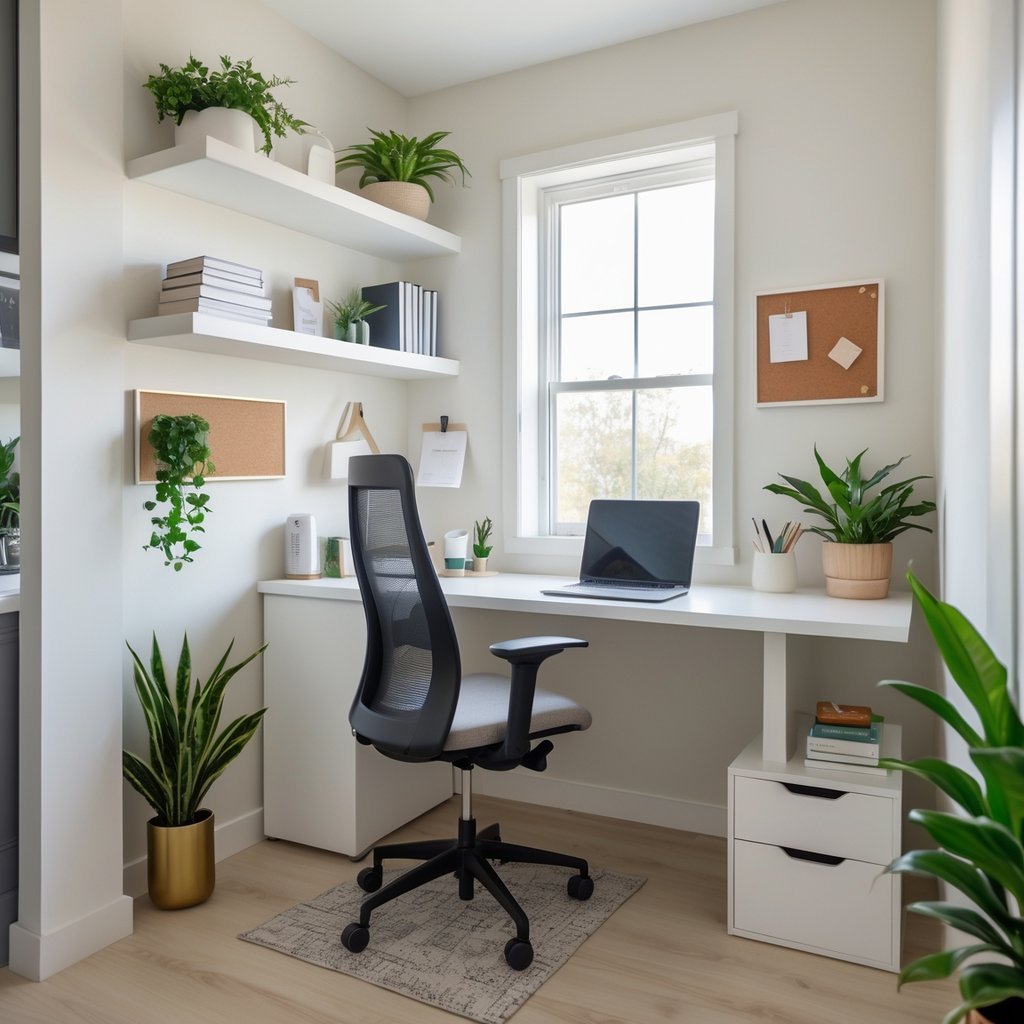
Add task lighting, a simple organization system, and a few personal touches to keep the area useful and pleasant. Use multiuse furniture, wall shelves, and hidden storage so every inch pulls its weight and the space stays calm.
Key Takeaways
- Define the office purpose and match furniture to your tasks.
- Use vertical and hidden storage to save floor space.
- Add lighting and simple personal touches to boost comfort and focus.
Assessing Space and Setting Objectives
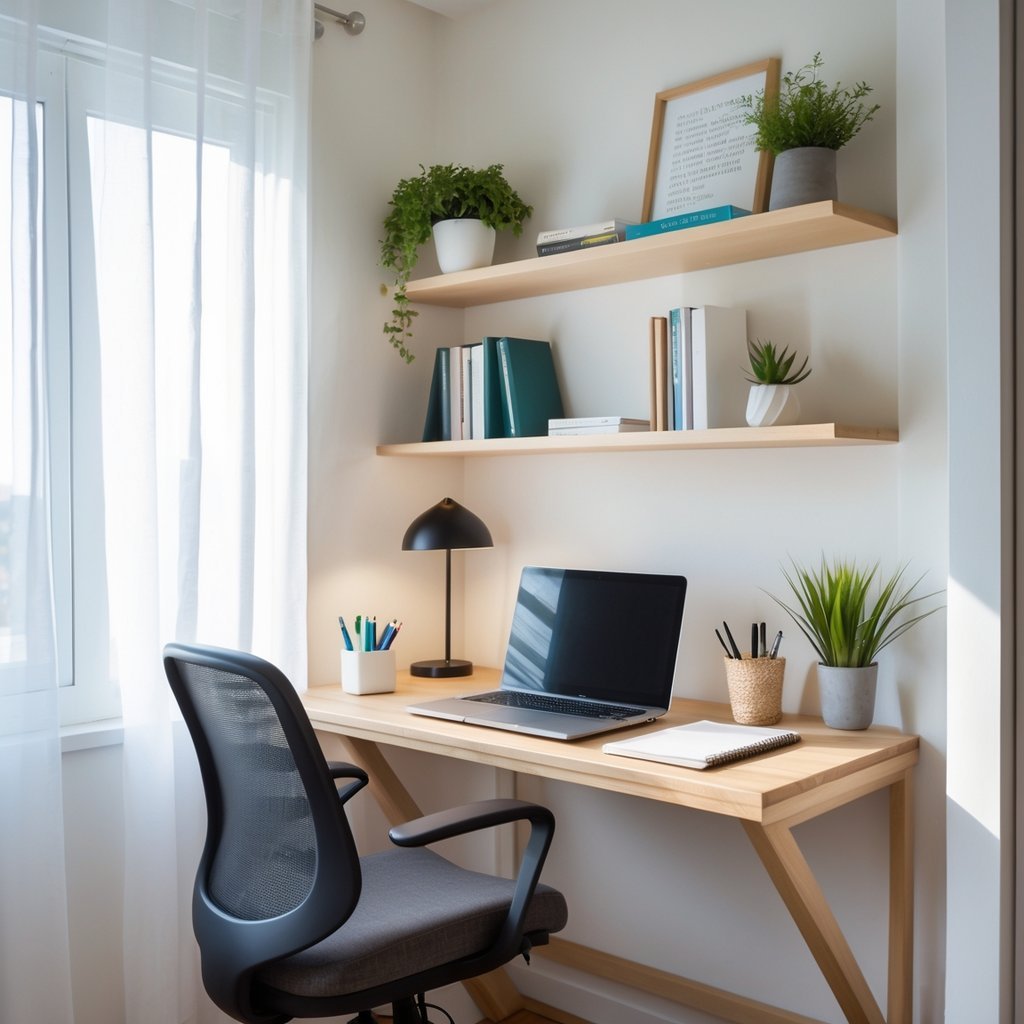
You will measure the area, list your must-have tools, and spot what breaks your focus. These steps guide choices about desk size, storage, and layout so your small office actually works for your tasks.
Measuring and Evaluating Your Available Area
Start by measuring the full footprint: length, width, and ceiling height. Note doors, windows, radiators, vents, and plug locations. Record measurements on paper or a simple sketch.
Measure clear usable wall space for a desk or shelves. A standard laptop desk needs about 30–36 inches (76–91 cm) wide; add depth if you use multiple monitors. Mark furniture you own with dimensions to see real fit.
Check natural light direction and glare at your usual work times. Measure distance from outlets to likely desk spots; plan for a power strip if outlets sit far away. Note traffic paths so you don’t block walkways.
Defining Work Requirements
List daily tasks and tools you use every day. Include computer type, monitor count, printer, reference books, and any craft or equipment that needs dedicated space. Rank items by frequency of use.
Decide how much surface you need for spreading papers or drawing. If you video-call often, plan sightlines and background. If you need a standing option, choose a sit-stand desk or converter that fits your measured depth.
Set storage needs: files, supplies, and tech gear. Choose a storage mix (open shelves, closed cabinets, drawers) based on how much clutter you must hide versus display. Assign approximate cubic feet or shelf lengths to each storage type.
Identifying Productivity Barriers
List distractions and comfort issues you notice when working at home. Include noise sources, poor lighting, uncomfortable chair, weak Wi‑Fi, and clutter hotspots. Be specific about times and triggers.
Test ergonomics briefly: sit at your intended desk and check screen height, keyboard reach, and leg clearance. Note any posture problems or muscle strain within 15–30 minutes. That shows whether your layout will harm focus or health.
Map technical weak points: slow internet spots, short cable runs, and lack of outlets. Mark where sound-dampening, better lighting, or a privacy screen would help. Prioritize fixes that cost little but remove the biggest interruptions.
Optimizing Layout and Furniture Selection
Place your desk where it fits your workflow and light, pick a chair that supports your posture, and use compact, multiuse furniture to save floor space. Prioritize reachability for daily items, airflow for comfort, and adjustable elements for long sessions.
Choosing the Right Desk and Chair
Pick a desk sized to your tasks. For laptops or light paperwork, a 36–42 inch desk can work. If you use dual monitors or need space for reference materials, choose a 48–60 inch desk or a corner/ L-shaped desk to keep monitors at arm’s length and paperwork off the main surface.
Choose a chair with adjustable height, lumbar support, and armrests that let your elbows rest at 90 degrees. Test the seat depth: you should have about 2–3 inches between the seat edge and the back of your knees. If floor space is tight, use a compact task chair or a folding chair with padded support. Add a small wheeled pedestal or under-desk drawer for frequently used items to keep the desktop clear.
Maximizing Natural Light and Ventilation
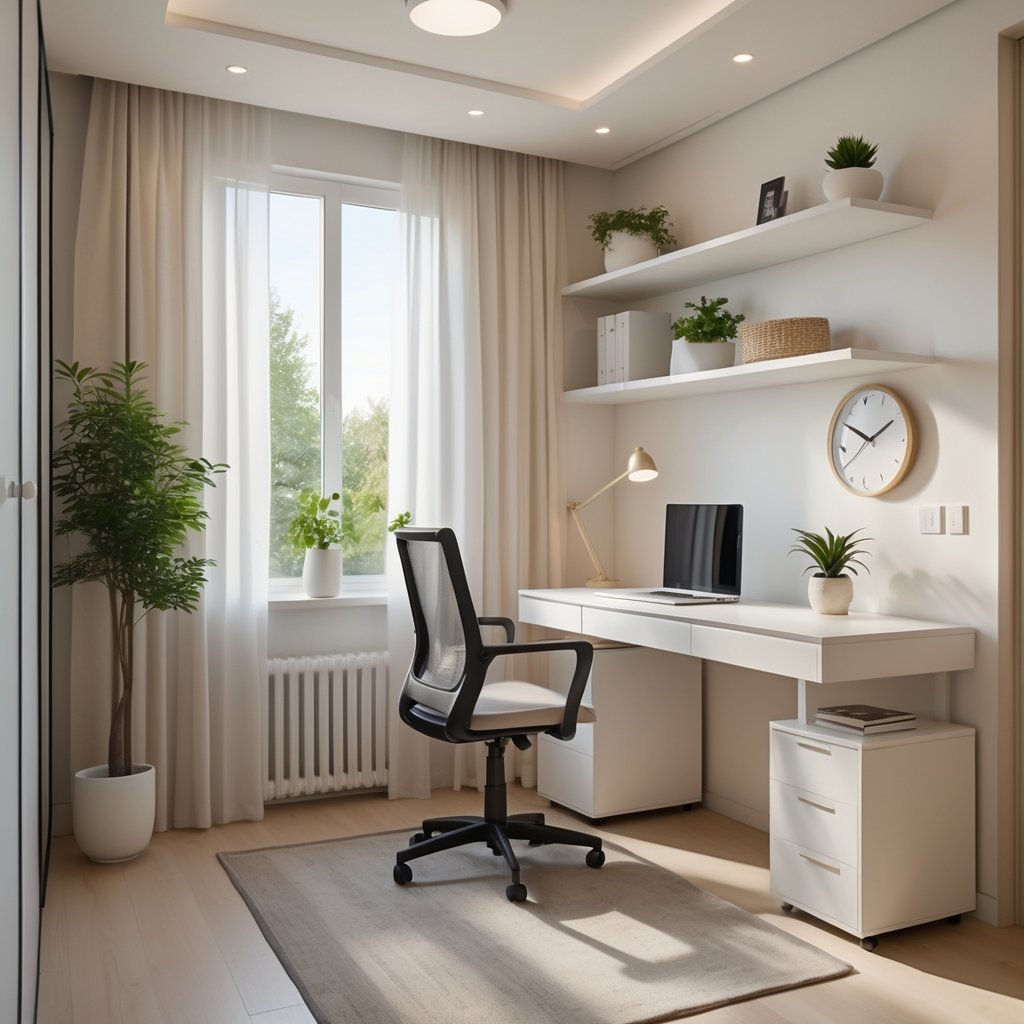
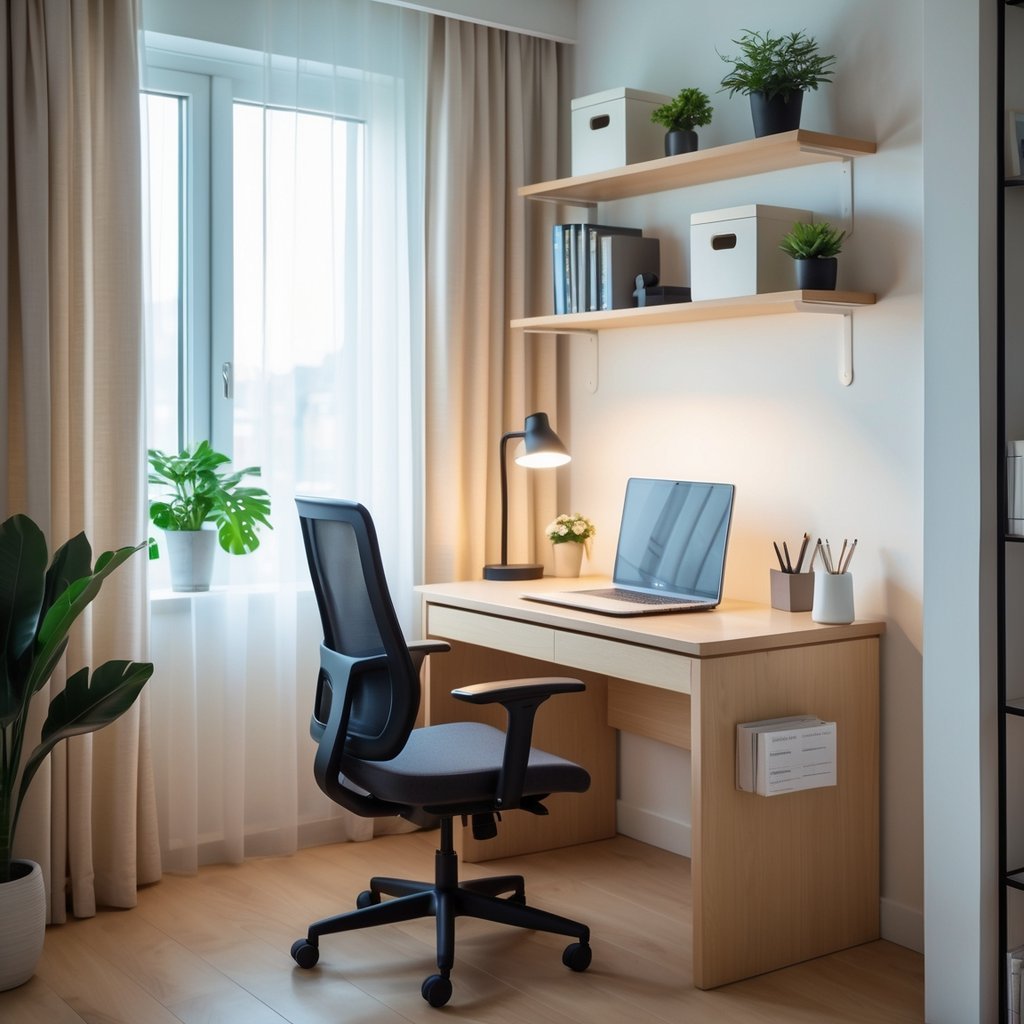
Place your desk near a window to use daylight and reduce eye strain. Position monitors perpendicular to the window to avoid glare. Use sheer curtains or a light-filtering blind to soften direct sun without blocking it.
Ensure airflow by keeping a clear path to the window or using a small fan with adjustable speeds. If your room lacks windows, add a daylight-spectrum lamp and a quiet air circulator. Keep vents and window sills free of clutter so air moves freely. Plants like pothos or snake plants can help freshen the air and take up little space.
Incorporating Ergonomic Principles
Set your monitor top at or slightly below eye level so you look slightly downward. Keep the screen about an arm’s length away. Use a keyboard tray or place the keyboard so your wrists stay straight and your forearms are parallel to the floor.
Adjust seat height so your feet rest flat on the floor; add a footrest if needed. Use a document holder next to the monitor to avoid repeated neck turns. Schedule short breaks: stand or stretch for 2–3 minutes every 30–45 minutes to reduce strain. Consider an adjustable sit-stand desk or a converter if you work long hours, so you can change posture easily.
Storage and Organization Solutions
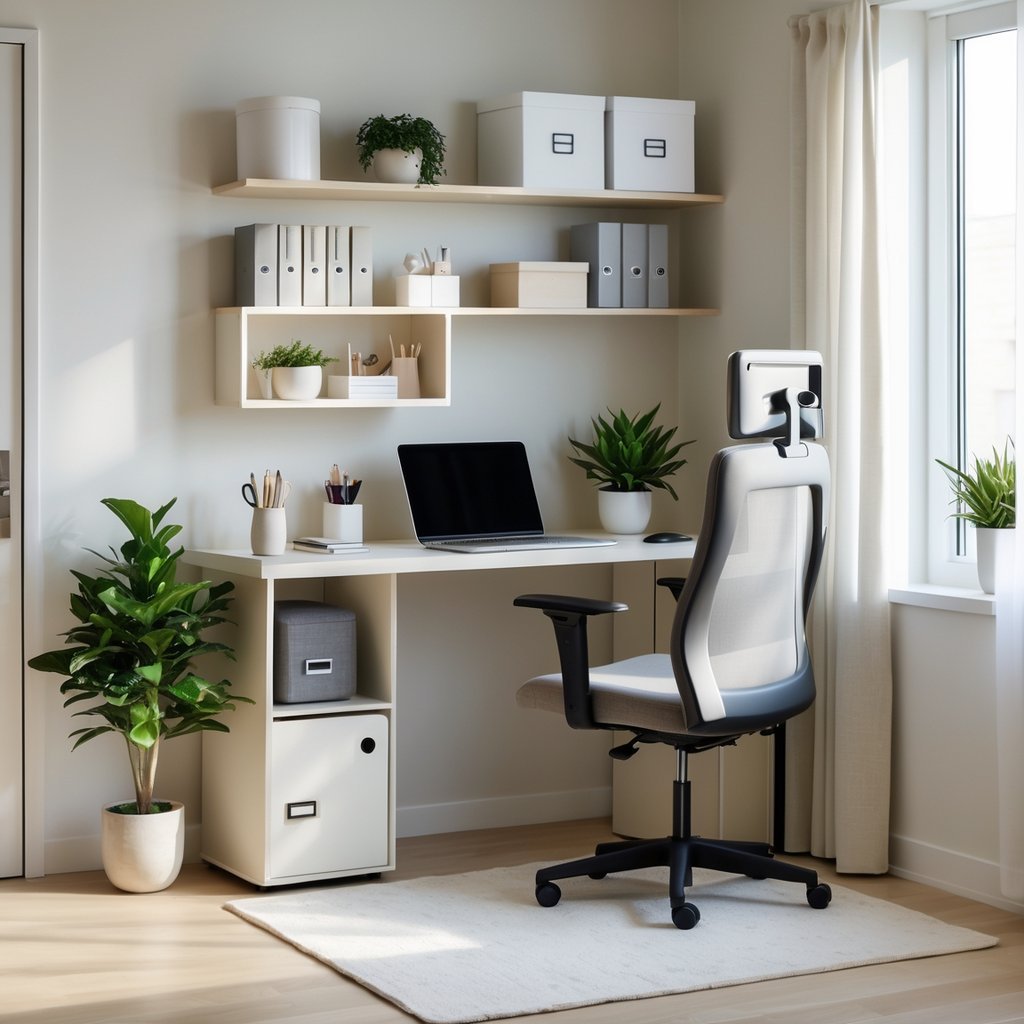
Keep supplies within reach, reduce desktop clutter, and use walls and furniture to add hidden storage. Focus on vertical shelving, compact multiuse furniture, and clean cable runs to make the most of every inch.
Utilizing Vertical Space
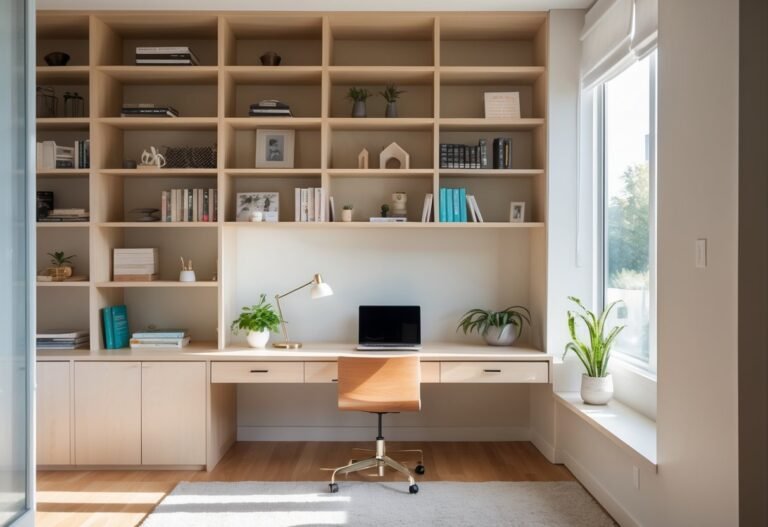
Install wall shelves above your desk to store books, binders, and small baskets. Use two or three tiers of open shelving so you can reach items without standing. Reserve the top shelf for items you use rarely.
Mount pegboards or slatwalls to hang scissors, headphones, chargers, and a small shelf for a planner. Pegboards let you rearrange hooks and bins as your needs change. Add labeled bins so you can grab what you need fast.
Tall, narrow bookcases fit beside doors or in corners and take up little floor area. Use the lowest shelves for a shredder or storage boxes and higher shelves for reference materials. Anchor tall units to the wall for safety.
Smart Storage Options for Small Offices
Choose a desk with drawers sized for your tools: one shallow drawer for pens and one deeper drawer for notebooks or a laptop stand. A mobile filing cabinet under the desk gives you lockable storage and can roll out when you need floor space.
Use stackable clear bins for paper and supplies so you can see contents at a glance. Magazine holders work well for folders, and small baskets keep chargers tidy. Label everything with a simple label maker or washi tape.
Consider furniture with built-in storage like a bench with a lift-up top or a fold-down wall desk with cubbies. These pieces hide clutter and keep surfaces clear while still providing easy access to daily items.
Cable Management Strategies
Route power and data cables along the desk underside using adhesive cable trays or a cable sleeve. Bundle cords with Velcro straps and label each cord near the plug so you can identify devices quickly.
Place a power strip on a mounting bracket under the desk to keep plugs off the floor. Use a cable box to hide the power strip and extra cord length. Leave a little slack in each cable so you can move devices without unplugging.
Use short, single-purpose cables where possible to reduce tangles. If you use a docking station, connect most peripherals there so only one cable reaches your laptop.
Personalization and Productivity Enhancements
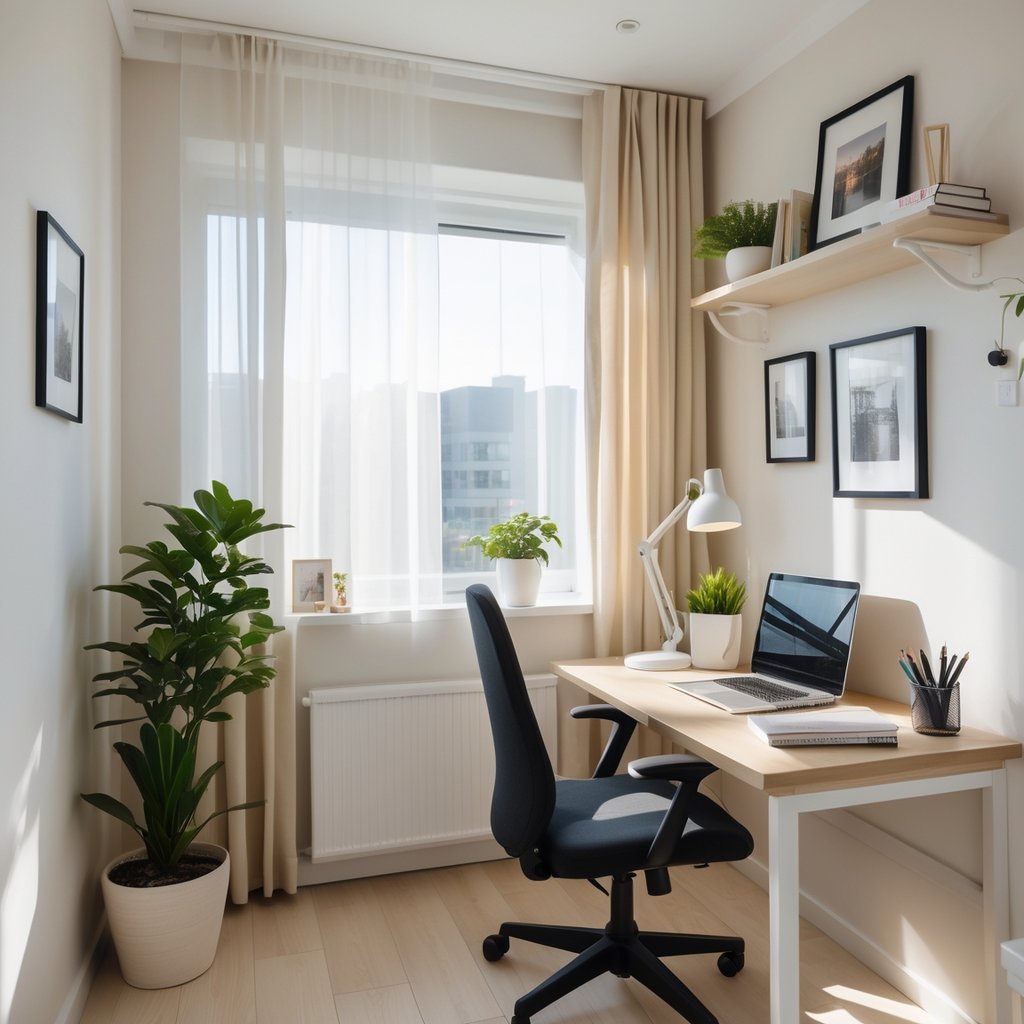
Choose a few items that make the space feel like yours and remove what distracts you. Use color, sound control, and smart tech to boost focus, not clutter.
Incorporating Inspiring Decor
Pick one wall color or an accent strip that supports focus—soft blue or warm beige work well. Add a single piece of art or a framed goal list above your desk to keep priorities visible.
Use plants to improve air and mood. One low-light plant like a snake plant or pothos fits small spaces and needs little care. Place it on a shelf or a corner stand so it doesn’t crowd your work surface.
Limit desktop items to essentials. Keep a pen cup, a notepad, and one personal item (photo or small sculpture). Store extras in labeled bins or behind closed doors to keep visual clutter low.
Choose lighting with two levels: bright task light for focused work and a softer lamp for video calls or breaks. Mounting a small shelf under the lamp saves desk space and keeps the surface clear.
Noise Reduction Techniques
Identify the main noise source first—street, appliances, or household activity—so you can pick the right fix. For window noise, install thick curtains or a dense roller shade to cut sound and glare.
Use a soft rug and fabric-covered storage to absorb echoes. Even a small rug under the chair and fabric-covered corkboard behind the desk reduce high-frequency noise noticeably.
Try a compact white-noise machine or a phone app if intermittent sounds break your focus. Keep volume low—just enough to mask sudden noises without distracting you.
Seal gaps around doors with weatherstripping and add a door sweep. Those small fixes block drafts and cut noise that sneaks under the door, helping you keep concentration.
Integrating Technology Efficiently
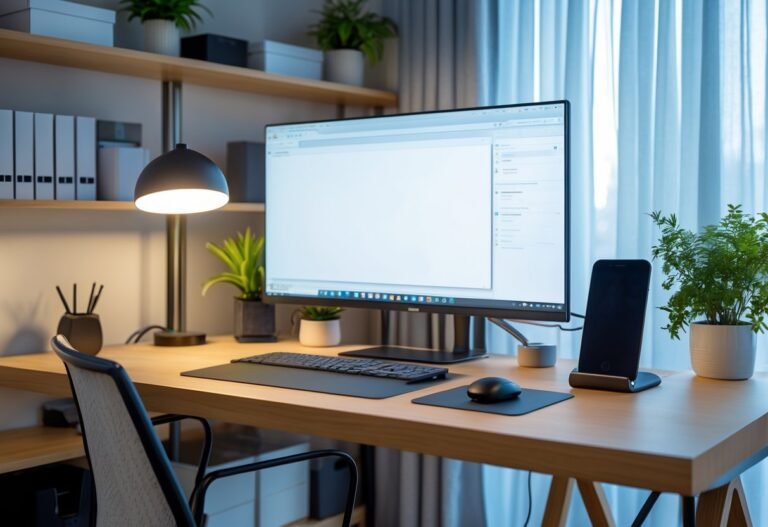
Start with a slim docking station that powers your laptop and connects one cable to monitor, keyboard, and mouse. That reduces cable clutter and makes your desk easier to clear.
Choose a vertical monitor or a small ultrawide to save horizontal space. Adjust monitor height so the top sits at or slightly below eye level to avoid neck strain.
Organize cables with clips, a short cable tray under the desk, and labeled ties. Keep chargers in a small drawer or a charging pad on a shelf to free the work surface for tasks.
Use software to reduce distractions: schedule “do not disturb” blocks, mute notifications, and use a focused app timer. Keep frequently used files in one synced folder for quick access and fewer desktop icons.
Frequently Asked Questions
These answers focus on concrete steps you can take. Expect practical tips on layout, furniture, lighting, and sources for ideas you can use right away.
What are the best strategies for maximizing space in a small home office?
Use vertical storage like wall shelves and pegboards to free up floor space. Mount your monitor and add floating shelves above your desk to keep supplies off the work surface.
Choose furniture that folds or nests when not in use. A wall-mounted drop-leaf desk or a slim desk with drawers gives you work surface only when you need it.
Keep cables and peripherals organized with under-desk trays and cable clips. Reducing visual clutter makes the room feel larger and helps you focus.
How can I achieve a modern look for my home office in a limited area?
Pick a simple color palette of two or three neutral colors and one accent color. Whites, grays, and a bold accent like navy or mustard create a clean, modern feel.
Use furniture with straight lines and minimal ornamentation. A slim metal-frame desk and a low-profile chair read modern without taking up visual space.
Add one or two modern touches, such as a geometric rug or a single framed print. Small decor items keep the space intentional without crowding it.
What furnishings should I choose to enhance productivity in a compact home workspace?
Choose an ergonomic chair with good lumbar support even if it’s compact. Comfort reduces fatigue and keeps you productive during long sessions.
Pick a desk sized to fit your main equipment only: laptop or monitor, keyboard, and a notepad. A wider desk wastes space; a too-small desk forces clutter.
Use multiuse furniture like a storage ottoman or a desk with built-in drawers. Extra storage near your workspace cuts down on trips to other rooms.
Where can I find inspiration for decorating a small, budget-friendly home office?
Browse home-design sites and social apps for small-office galleries and floor plans. Search terms like “small home office ideas” or “compact desk setup” surface practical photos and layouts.
Check thrift stores and discount furniture outlets for affordable desks, lamps, and shelves. You can repaint or refinish secondhand pieces to match your palette.
Look for budget DIY projects, such as building shelves from plywood or repurposing a small table. Simple builds often cost less than ready-made solutions.
What lighting techniques can make a small home office feel bright and spacious?
Place your desk near the window to use natural light, and use sheer curtains to soften glare. Natural light expands the feeling of space and reduces eye strain.
Layer lighting with a ceiling fixture, task lamp, and a small ambient lamp. Direct task light on your work area while ambient light fills shadows in the room.
Use cool-white LED bulbs for clear task lighting and warm LEDs for ambient comfort. Adjustable-color bulbs give you control over focus and mood.
How can I incorporate simple design elements to create an efficient yet small office layout?
Define your workspace with a rug or a different wall color to separate it visually from the rest of the room. This creates a clear work zone without building walls.
Keep frequently used items within arm’s reach and store lesser-used items vertically. A small cart or narrow shelving next to the desk keeps essentials handy.
Limit desk decor to one or two functional items, like a clock and a pen holder. Fewer objects on the desk reduce distraction and make the area more usable.