home office design setup: Practical Strategies for Comfort, Productivity, and Style
You can make a home office that fits your work, your space, and your budget without wasting time or money. Arrange your desk, lighting, and storage so you feel focused and comfortable, and pick tech that helps work flow instead of getting in the way.
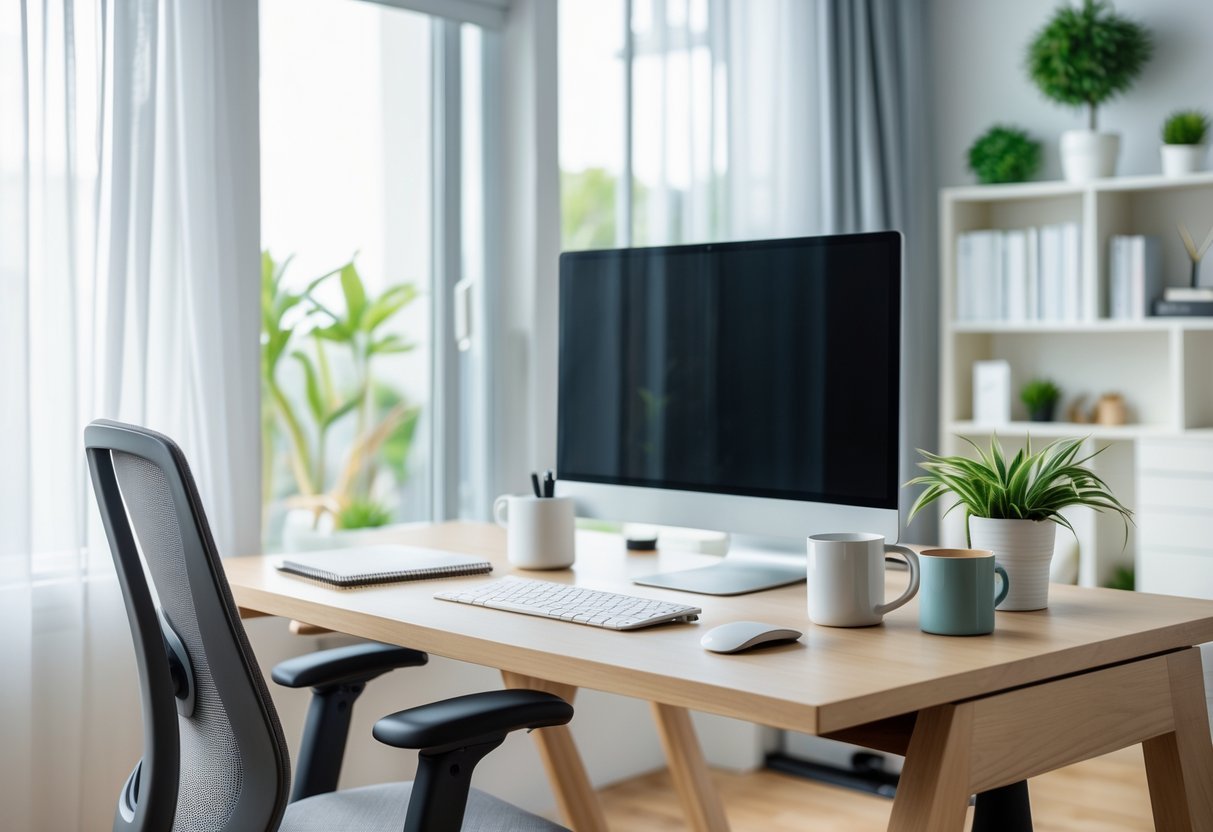
Choose a layout that matches how you work and uses the light and square footage you have, then add ergonomic furniture and a simple cable plan to cut clutter. A clear layout, good lighting, and the right gear will make your home office feel productive and calm.
Add a few personal touches to keep you motivated and maintain one quick organization habit to keep the space usable every day.
Key Takeaways
- Plan a layout that matches your tasks and room size.
- Prioritize lighting, ergonomics, and simple tech for comfort.
- Add small personal touches and a daily tidy habit.
Planning Your Home Office Setup
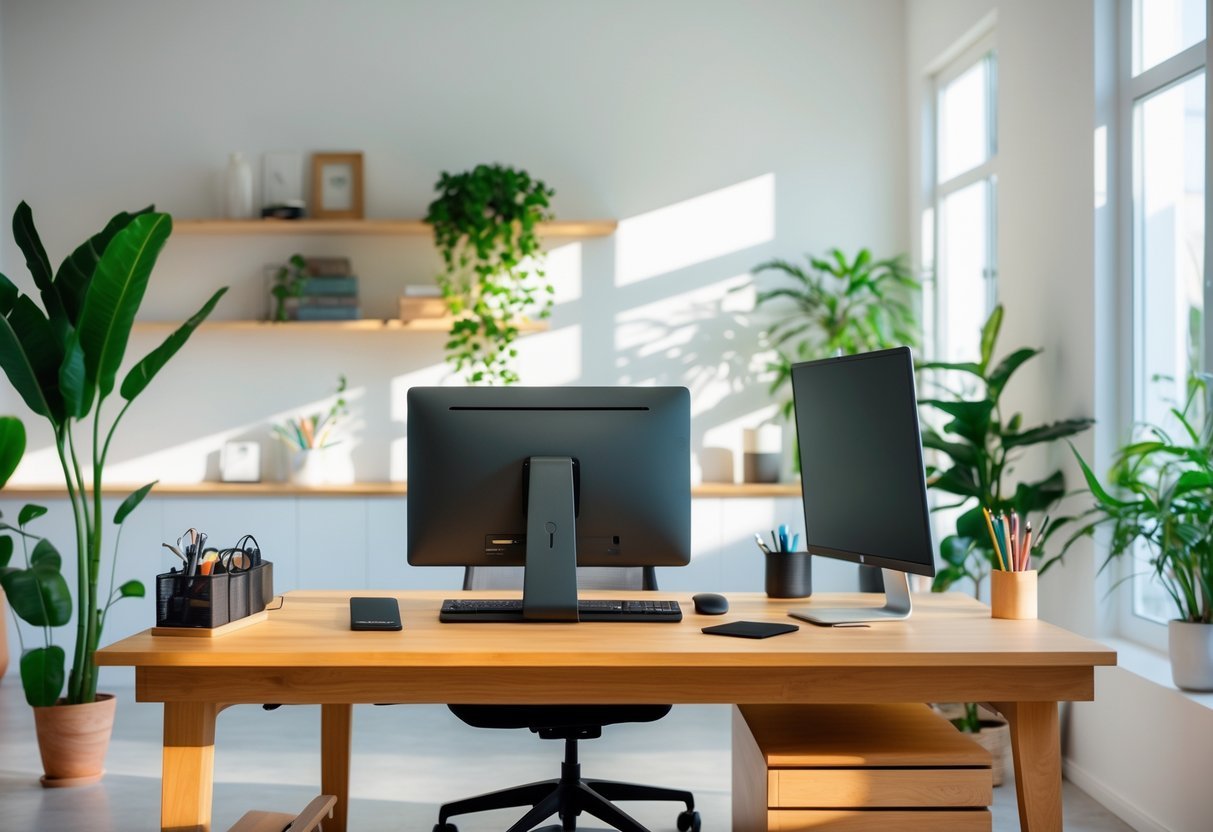
Decide what tasks you do, how much space and storage you need, and how much noise and light you can tolerate. Then pick a location, set a budget, and list must-have equipment.
Assessing Workspace Needs
List the primary tasks you perform daily—video calls, typing, drawing, or phone work. Note the tools each task needs: monitor size, drawing tablet, headset, or dual screens. Measure the desk area required; for example, a 48–60 inch desk suits dual monitors, while a 30–36 inch desk works for a single laptop.
Account for storage: how many file drawers, shelves, or bins you need. Think about cable routing and power needs—count outlets and plan for a surge protector. Consider ergonomics: monitor at eye level, keyboard and mouse at elbow height, and a chair that supports your lower back.
Selecting the Ideal Location
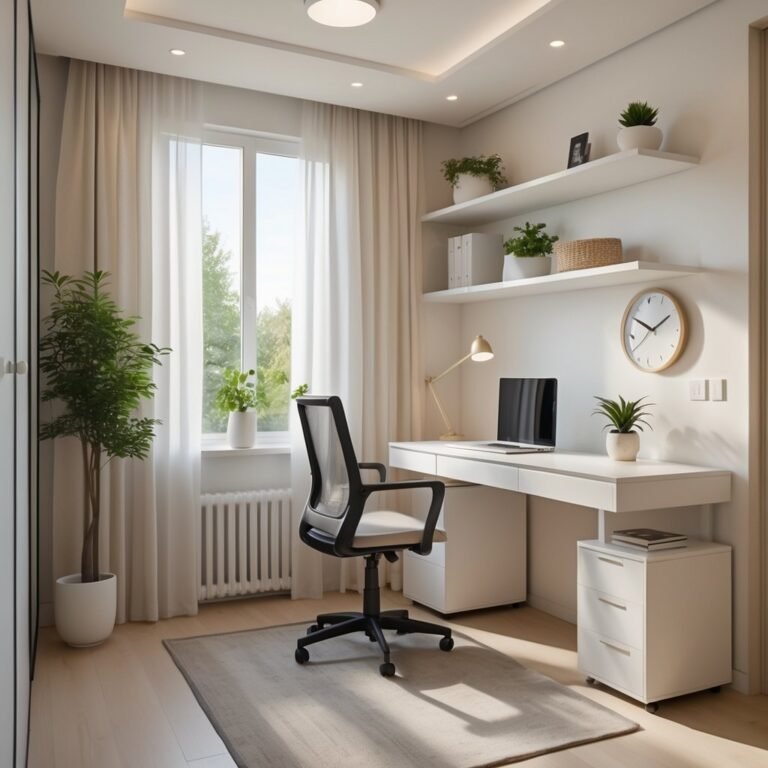
Choose a spot with stable internet and reliable power close by. If you take frequent video calls, pick a quiet corner with a plain, uncluttered background. For natural light, place your desk perpendicular to a window to reduce screen glare while keeping daylight for mood and focus.
If space is limited, carve a nook in a bedroom or living room and use a folding desk or room divider to create separation. Check for temperature control and ventilation—avoid spots near noisy appliances or frequently used walkways. Mark out a 3-foot radius for chair movement and storage access.
Budget Considerations
Start by listing essentials vs. nice-to-haves. Essentials usually include a desk, ergonomic chair, reliable router, and adequate lighting. Set a simple budget split: 50% for ergonomics (chair and desk), 30% for tech (monitor, webcam, audio), and 20% for lighting and storage.
Shop smart: buy a mid-range chair with lumbar support, then upgrade the monitor later. Use these cost-saving options:
- Buy refurbished monitors or routers.
- Use IKEA or budget shelving for storage.
- Repurpose a table temporarily.
Track costs in a short checklist:
- Desk: $____
- Chair: $____
- Monitor/Webcam: $____
- Lighting/Storage: $____
Adjust the numbers to match your needs and timeline.
Design Elements for Productivity
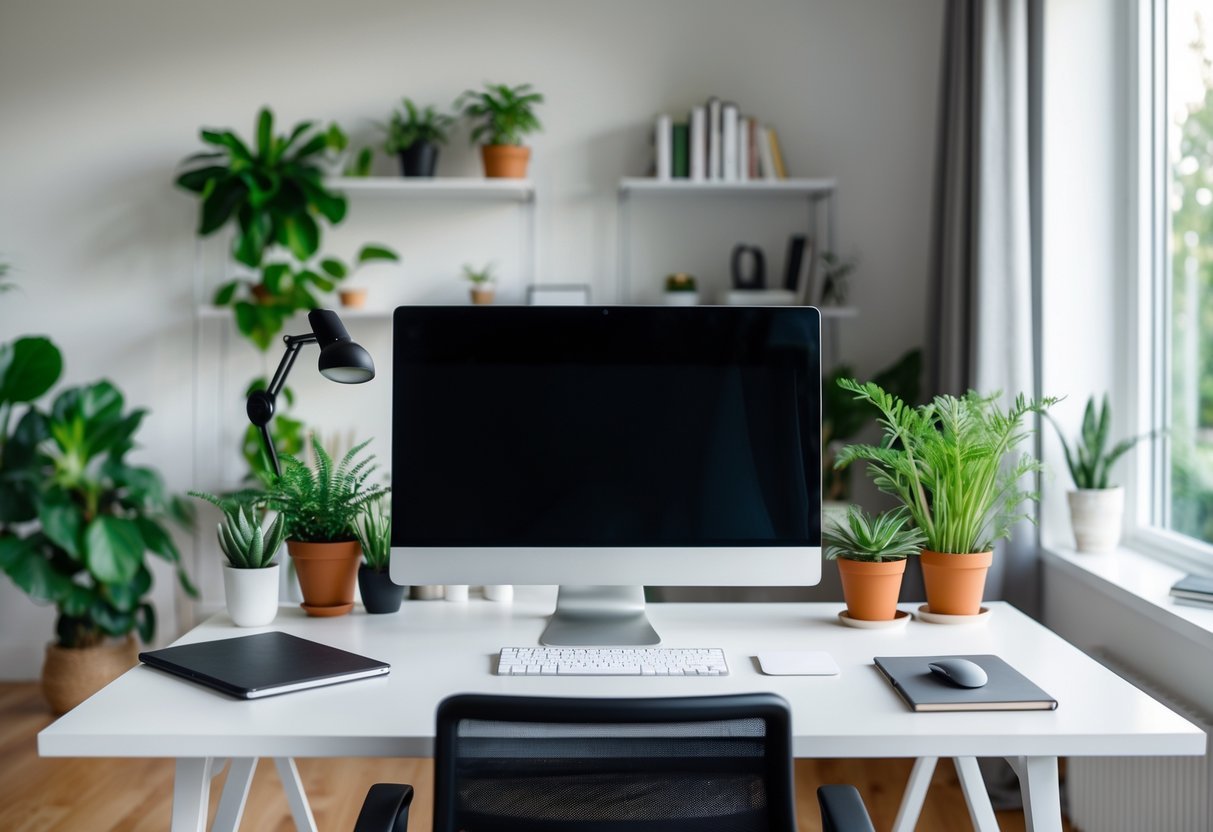
Focus on furniture that supports your body, lighting that reduces eye strain, colors that keep you calm and alert, and acoustic fixes that cut distractions. These practical choices shape how well you work every day.
Ergonomic Furniture Selection
Choose a chair with adjustable seat height, lumbar support, and armrests that allow your feet to rest flat on the floor and your knees at about 90 degrees. If you sit most of the day, pick a high-quality task chair with a reclining feature and firm lumbar padding. Test the chair for at least 15 minutes before buying if possible.
Use a desk at the right height: about 27–31 inches (68–79 cm) for most people, or an adjustable sit-stand desk to alternate postures. Place your keyboard so your elbows stay close to your body and form a 90-degree angle. Add a monitor riser so the top of the screen sits at or just below eye level, 20–30 inches (50–75 cm) from your face.
Consider an ergonomic keyboard and a vertical mouse to reduce wrist strain. Add a footrest if your feet don’t reach the floor. Use a document holder next to the monitor if you work with papers to avoid neck twisting.
Lighting Optimization
Position your desk near a window to get natural light, but avoid glare on your screen by placing the monitor perpendicular to the window. Install adjustable blinds or curtains to control brightness through the day.
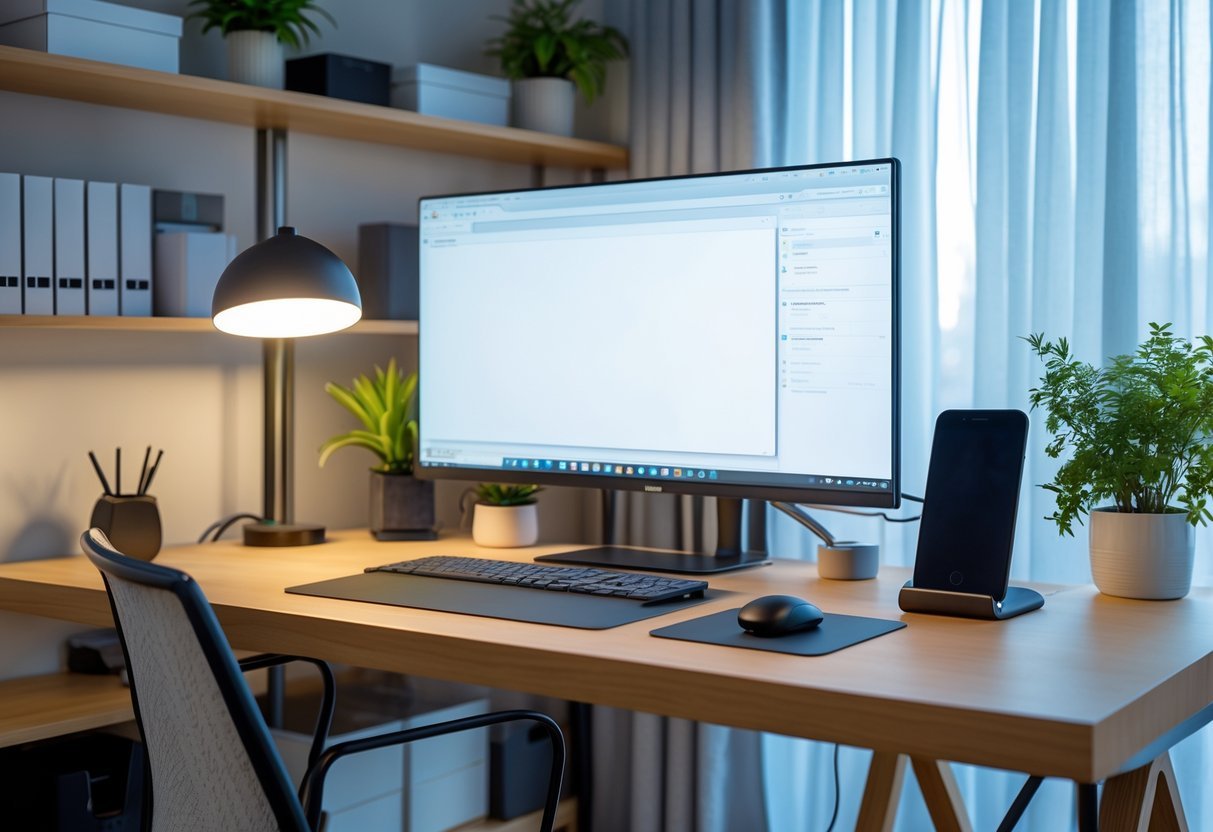
Use layered lighting: a bright ambient light plus a focused task lamp with a color temperature between 3500K and 5000K for reading and screen work. Choose a lamp with adjustable intensity and direction so you can reduce shadows and prevent eye strain.
Keep overhead lights on a dimmer to match daylight levels. Reduce blue light in the evening by switching to warmer bulbs or enabling a screen night mode. Replace flickering or dim bulbs promptly to avoid headaches and dropped focus.
Color Schemes and Mood
Pick wall colors that support the work you do: soft blues and greens help concentration and calm; warm neutrals (beige, soft gray) create a steady, low-distraction backdrop. Use a single accent color—teal, mustard, or muted red—in small areas like a bookcase, chair cushion, or art to add energy without overload.
Keep contrast clear between walls, desk, and floor to reduce visual fatigue. If you need creativity boosts, add one or two brighter accents in objects you interact with, such as a lamp or notepad. Avoid busy patterns near your main work area; they draw the eye and break focus.
Test paint samples on the wall and view them at different times of day. Lighting changes color perception, so choose the final shade when the room has both natural and artificial light.
Acoustic Solutions
Identify noise sources—street traffic, HVAC, housemates—and measure how often they interrupt you. For consistent low-level noise, use a white noise machine or a fan to mask urgent sounds and keep focus steady.
Add soft materials to absorb sound: area rugs, curtains, upholstered furniture, and fabric wall panels. Place a bookshelf filled with books against a shared wall to act as an extra sound buffer. For echo-prone rooms, hang a thick curtain or acoustic panel behind the desk.
If sudden noises disturb you, use noise-cancelling headphones during focused work blocks. For calls, invest in a microphone with side noise rejection and a pop filter to keep your voice clear while reducing background noise.
Technology & Organization
Keep only the tech you use daily, place charging points within reach, and set clear zones for gear, cables, and files to keep your desk tidy and work flowing.
Essential Tech and Equipment
Choose a monitor size that fits your desk and tasks: 24–27 inches for general work, 32 inches or ultrawide for heavy multitasking. Pick a monitor with at least 1080p resolution; consider 1440p or 4K for design or detailed spreadsheets.
Invest in a comfortable keyboard and mouse. Mechanical keyboards give tactile feedback and last longer; low-profile wireless options reduce cable clutter. Get an adjustable chair with lumbar support and a height-adjustable desk to switch sitting and standing.
Add a good webcam (1080p) and a noise-cancelling mic or headset for clear calls. Use a UPS or surge protector to protect gear. Keep a second backup drive or cloud plan for critical files.
Cable Management
Start with a map: label each cable at both ends so you can trace devices quickly. Use cable sleeves or channels under the desk to bundle cords out of sight.
Mount a power strip under the desk with velcro or brackets so plugs stay off the floor. Use short cables where possible; replace overly long chargers with right-length, certified cables.
Use adhesive clips to route frequently moved cords (phone chargers, headset) to a fixed point. Leave a small slack loop at connection points to prevent tension. Periodically unplug and reseat connections to avoid dust buildup and intermittent faults.
Storage Solutions
Reserve one clear zone for daily items: notebook, pen, and external drive. Use a small desktop tray or shallow drawer for those items so your surface stays clear.
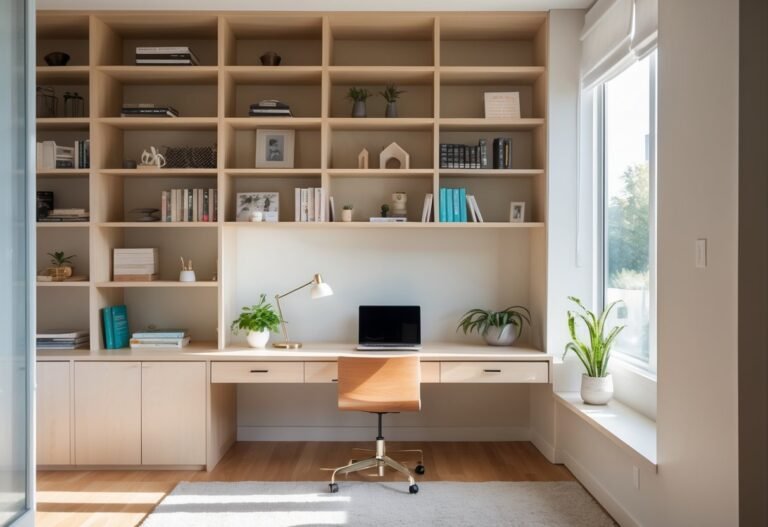
Use vertical shelving or a tall cabinet to store binders, reference books, and printer paper. Label shelf edges so you can find items in one glance. For small items, use drawer dividers: dedicate compartments for cables, adapters, batteries, and spare chargers.
Keep rarely used devices in a labeled tote or closed box to reduce visual clutter. Store backups and important paperwork in a fire-safe box or digital backups with encryption.
Digital Organization Strategies
Organize files with a simple folder hierarchy: top-level folders like Work, Personal, and Archive. Inside Work, separate by year or project, and name files with dates (YYYY-MM-DD) and short descriptors for quick searching.
Use cloud storage with automatic sync and version history for critical documents. Set up two-factor authentication for your accounts and a password manager for strong, unique passwords.
Schedule weekly digital maintenance: clean your desktop, empty downloads, and update software. Use email rules and focus modes to route nonessential notifications into folders so you only see what matters right now.
Personalization and Final Touches
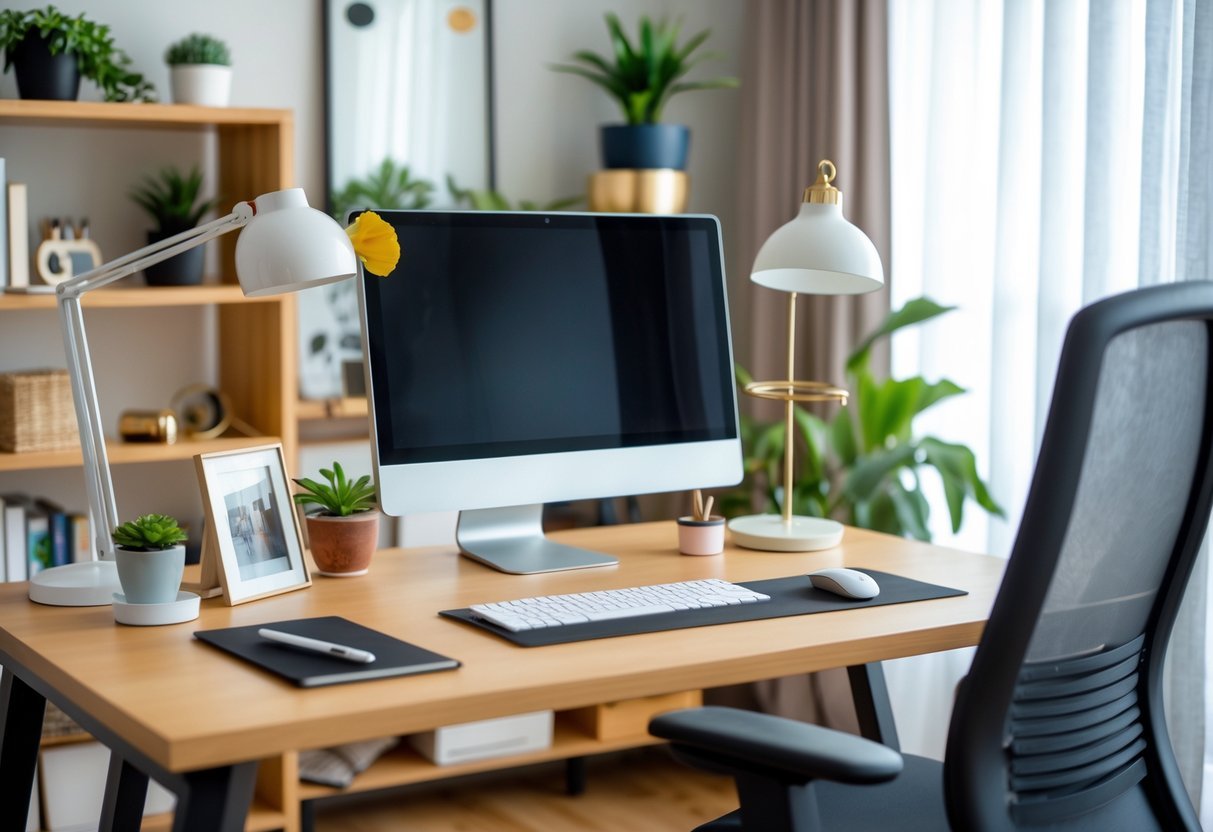
Choose a small set of items that reflect your taste and support work: a favorite lamp for task light, one piece of art, and a tray for daily desk tools. Keep color and texture choices tight so the space feels calm and intentional.
Decor and Ambiance
Pick a color scheme of two to three tones. Use a neutral base for walls and large furniture, then add one accent color through a chair, rug, or lamp. This keeps the room cohesive and reduces visual distraction.
Select lighting layers: bright overhead light for general tasks, an adjustable desk lamp for focused work, and a warm table lamp for video calls or late-afternoon wind-down. Aim for 400–600 lux at the desk surface for clear visibility.
Add one or two meaningful objects—framed photo, a small sculpture, or a curated shelf —rather than many small items. Rotate them seasonally to refresh the space without adding clutter.
Incorporating Biophilic Design
Bring living plants into sight and reach. Start with low-maintenance options like pothos, snake plant, or ZZ plant. Place a medium plant beside the desk and a small one on a shelf or windowsill.
Use natural materials: a wooden desk, linen curtains, or a jute rug. These materials add texture and reduce the clinical feel of plastic and metal. Match one material across two items to create balance.
Maximize natural light where possible. Position your desk near a window and use sheer curtains to diffuse harsh sun. If light is limited, add full-spectrum bulbs to mimic daylight and improve alertness.
Maintaining a Clutter-Free Environment
Create daily habits: clear your desktop at the end of each workday and file or digitize loose paper. Use a 5-minute tidy routine to keep surfaces usable and mind clear.
Use targeted storage: an under-desk drawer for charging cables, a vertical file holder for current projects, and a closed cabinet for reference books. Label containers so you can find items quickly.
Limit desktop items to essentials: monitor, keyboard, mouse, a notepad, and one personal item. Keep charging stations and printers in a designated spot away from your primary work triangle to avoid surface crowding.
Frequently Asked Questions
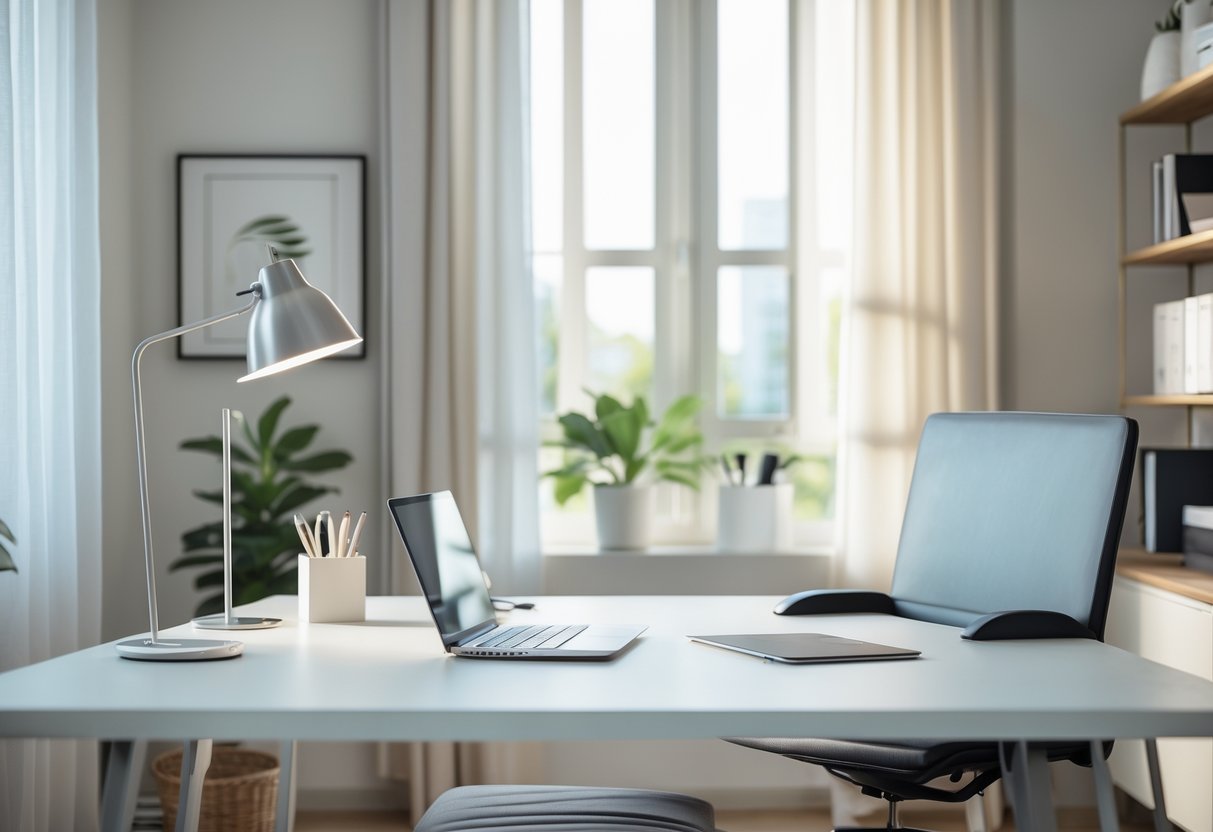
These answers focus on concrete items you can buy, layout choices you can apply, and easy steps to improve comfort and productivity. Each response gives short, practical actions you can use right away.
What are essential components to include in a small home office?
Include a desk sized to your available floor space — a 36–48 inch wide desk fits many small rooms.
Pick a chair with lumbar support and adjustable height to protect your back.
Add a task lamp with adjustable brightness and a monitor at eye level using a stand or arm.
Use a compact keyboard and mouse to save desk space. Add a vertical file holder or small drawer unit for papers.
How can I design a home office that maximizes productivity in a limited space?
Position your desk near a window for natural light and place the monitor perpendicular to the window to reduce glare.
Keep frequently used items within arm’s reach and store infrequently used items in boxes or shelves.
Use a single-focus zone: clear the desk of non-work items before each session.
Use cable clips, a small power strip, and under-desk storage to reduce clutter and speed transitions between tasks.
What elements define a modern home office design?
Choose clean lines and neutral colors like white, gray, or soft wood tones for furniture and walls.
Select multi-use furniture such as a desk with built-in shelves or a wall-mounted fold-down desk.
Add simple tech: a wireless keyboard, wireless mouse, and a single large monitor or dual slim monitors.
Include one or two plants and minimal artwork for a calm, uncluttered look.
How can I create a simple yet effective home office setup?
Start with three priorities: a stable work surface, an ergonomic chair, and good lighting.
Buy a single monitor at eye height and a keyboard tray or compact keyboard to keep wrists neutral.
Limit décor to one functional accessory, like a clock or pen holder.
Use baskets or labeled bins to keep supplies tidy and visible.
Which design principles are best for ensuring a comfortable and efficient home office space?
Ergonomics should guide height and distance: top of the monitor at eye level and elbows at 90 degrees when typing.
Lighting matters: combine ambient light with a focused task lamp to cut eye strain.
Keep circulation clear; allow at least 2–3 feet of open floor in front of the desk for ease of movement.
Control noise with a rug, soft furnishings, or noise-cancelling headphones.
What are some creative solutions for setting up a home office in a multi-purpose room?
Use a room divider, tall bookcase, or curtain to create a visual boundary between work and living areas.
Install a wall-mounted desk or fold-down table to free floor space when you’re not working.
Store work items in a rolling cart or a labeled closet bin so you can pack up quickly.
Choose a chair that fits both work and room style to keep the space cohesive.